Panel overview
What the panel does, with a tour of every screen.
Cipi is CLI-first, and always will be. The web panel is an optional layer for people who prefer a browser: your team, a client, or you on a phone. It's a self-hosted Laravel app that drives one or many Cipi servers through the same REST API as the CLI client and WHMCS. No proprietary control plane, no SaaS, no extra cost.
Real screens of the panel, in motion. Pick a clip, or let them play. Every screen is in the tour below.
Skip it and nothing changes. Without the panel Cipi stays a lean CLI: no daemon, no web surface, nothing extra listening. Anything done in the browser can be done in the terminal, and the other way round.
- Browserpanel.example.com
- cipi/guiLaravel app on one Cipi server
- Cipi APIapi.<server>, one per managed server
- cipi CLIdoes the work, as on SSH
What you can do#
| Area | From the panel |
|---|---|
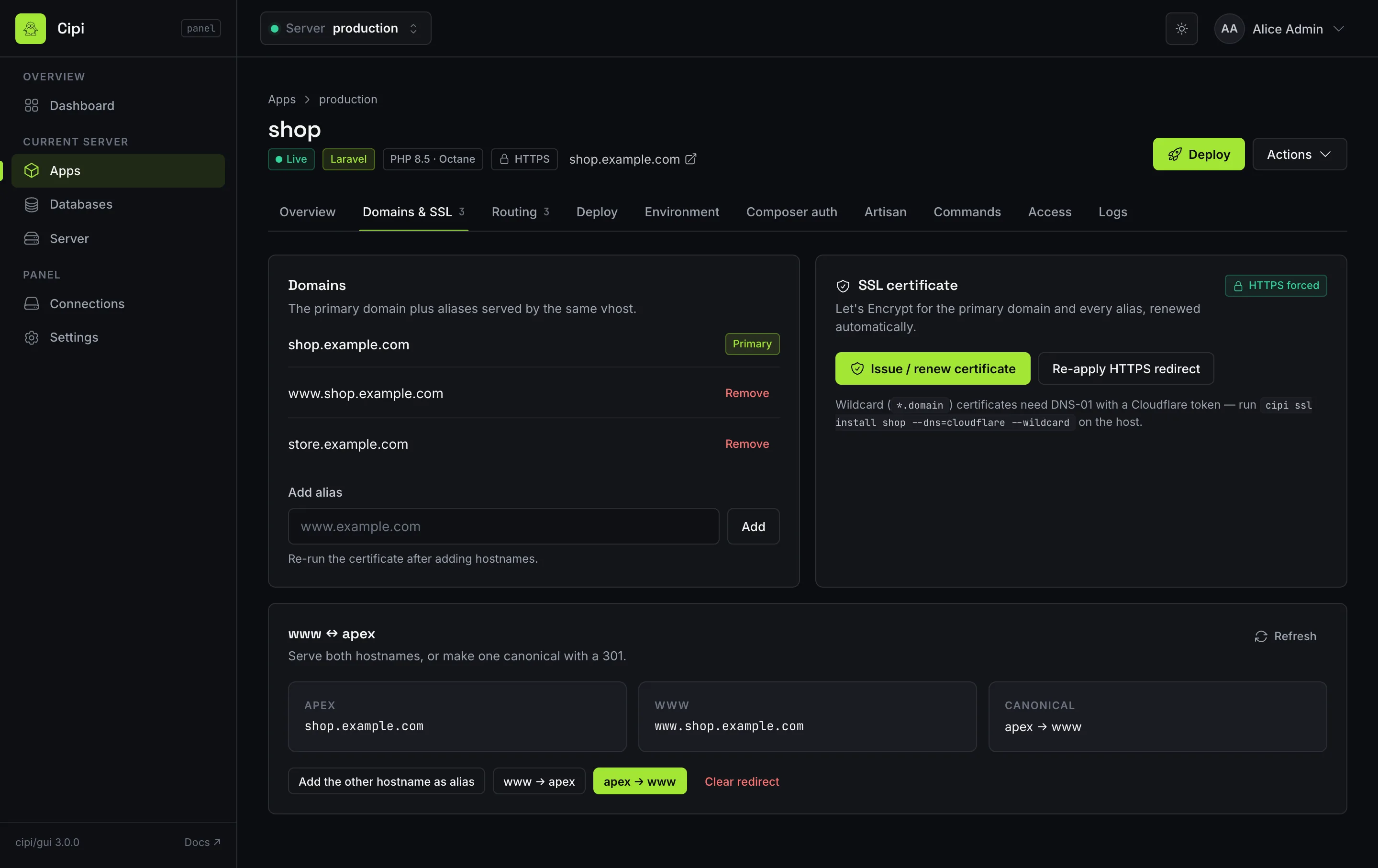
| Apps | Create, edit, suspend, delete Laravel (FPM or Octane), Node (SPA, static, SSR with framework presets) and custom apps; environment label; aliases, www ↔ apex, SSL, basic auth |
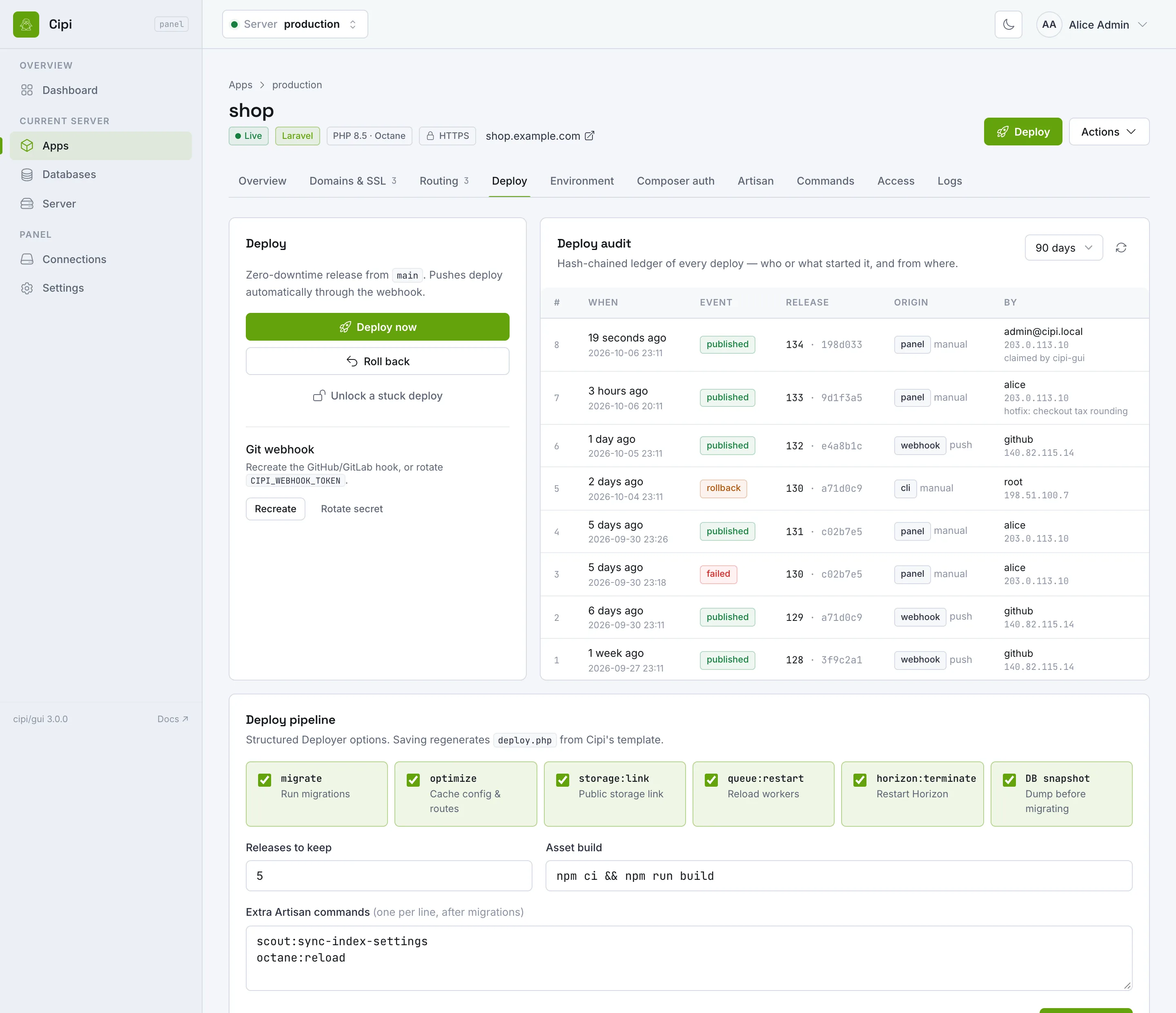
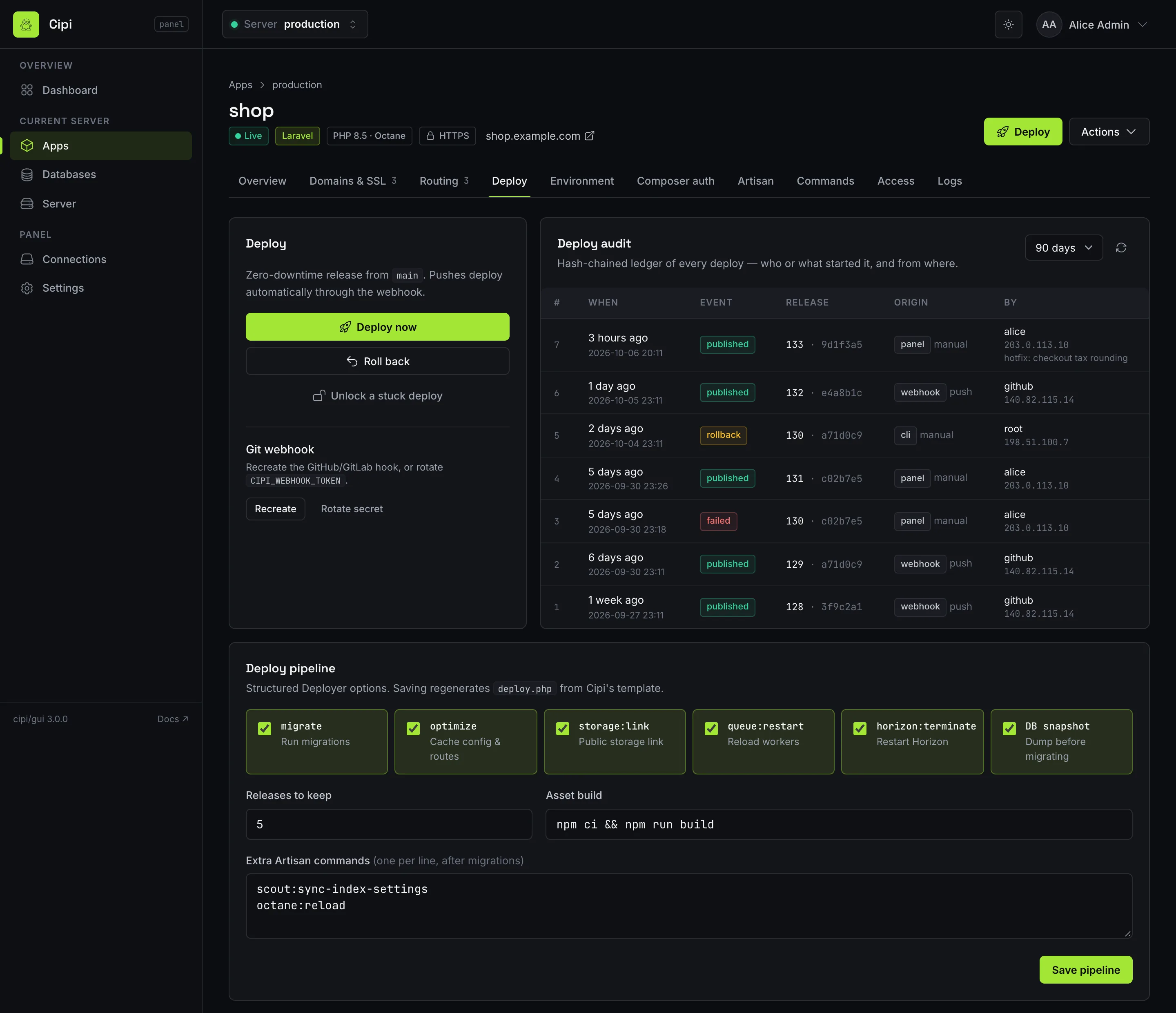
| Deploy | Deploy, roll back, unlock; a deploy in progress, whoever started it, with its live log; the hash-chained deploy audit with durations; a log per deploy |
cipi.yml | The file of the live release, whether it's valid, what applying would change, apply as a job, toggle auto-apply |
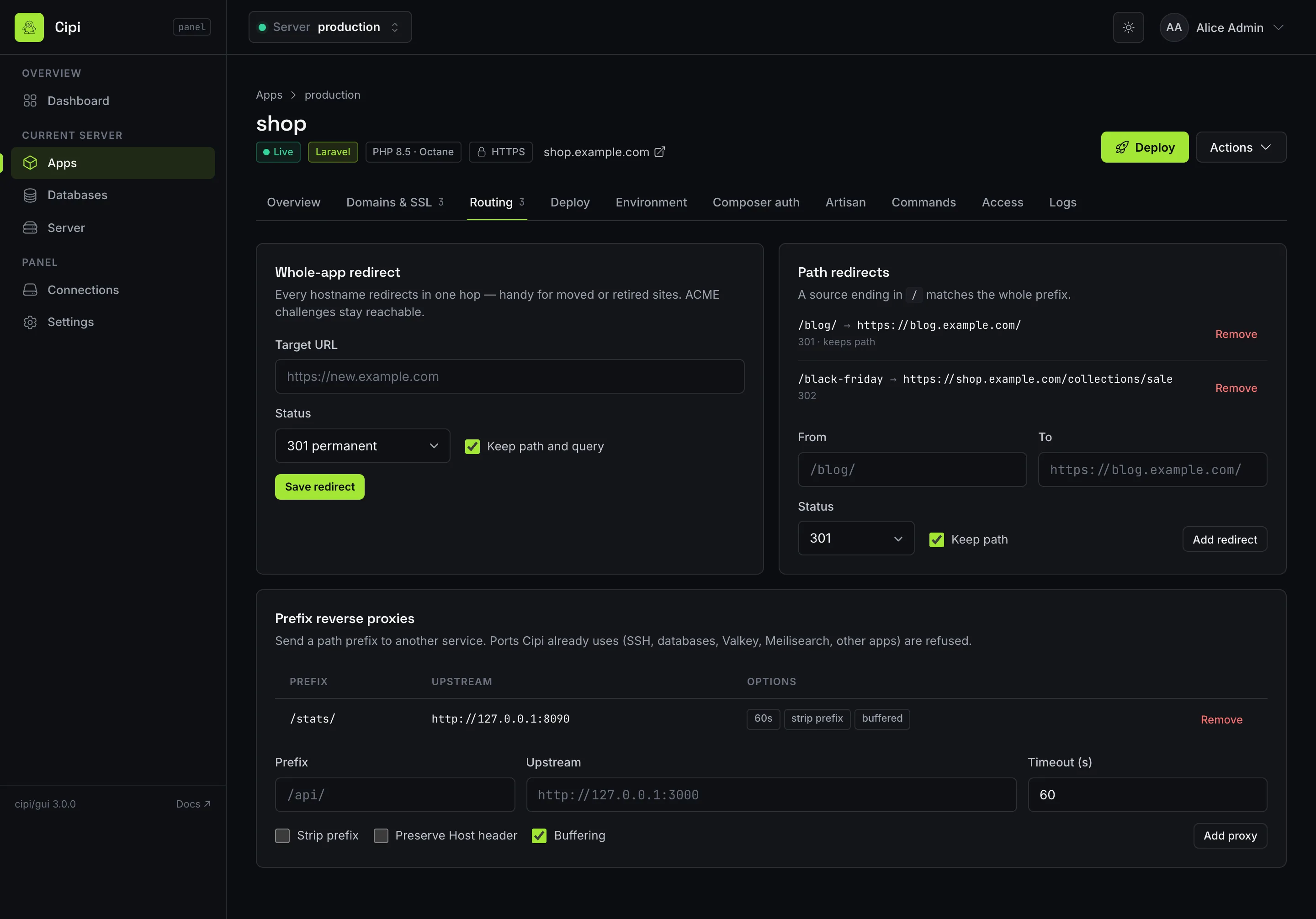
| Routing | Whole-app and path redirects, prefix reverse proxies |
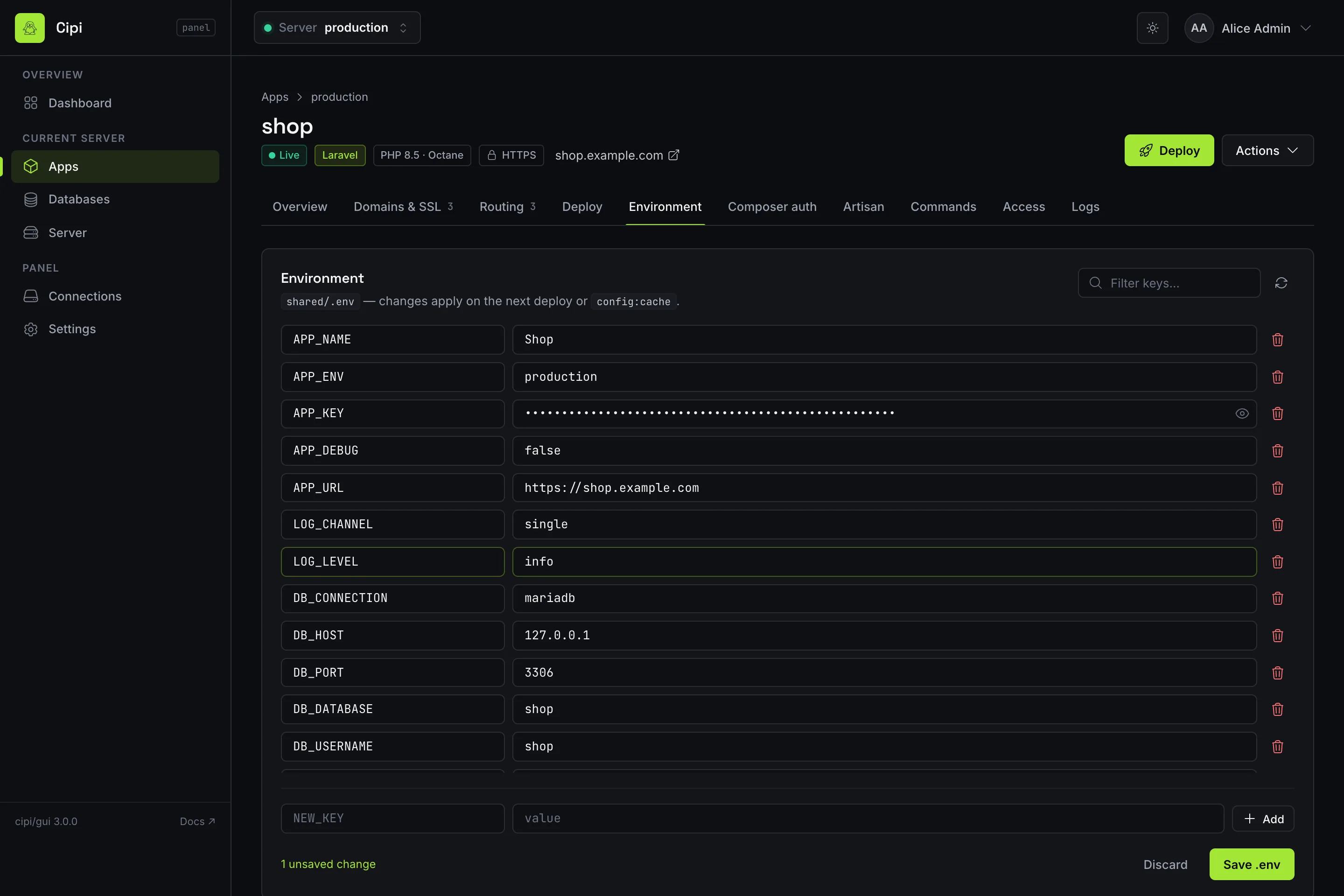
| App tooling | .env editor with masked secrets, Composer auth.json, Artisan, allowlisted app commands, saved one-click commands |
| Databases | MariaDB or PostgreSQL per app; create, link to apps, back up, restore (also by uploading a .sql/.sql.gz from your computer, chunked), rotate passwords |
| Backups | A matrix of apps and databases against backup profiles: schedule, destination, retention, last run; run now, verify, test destinations |
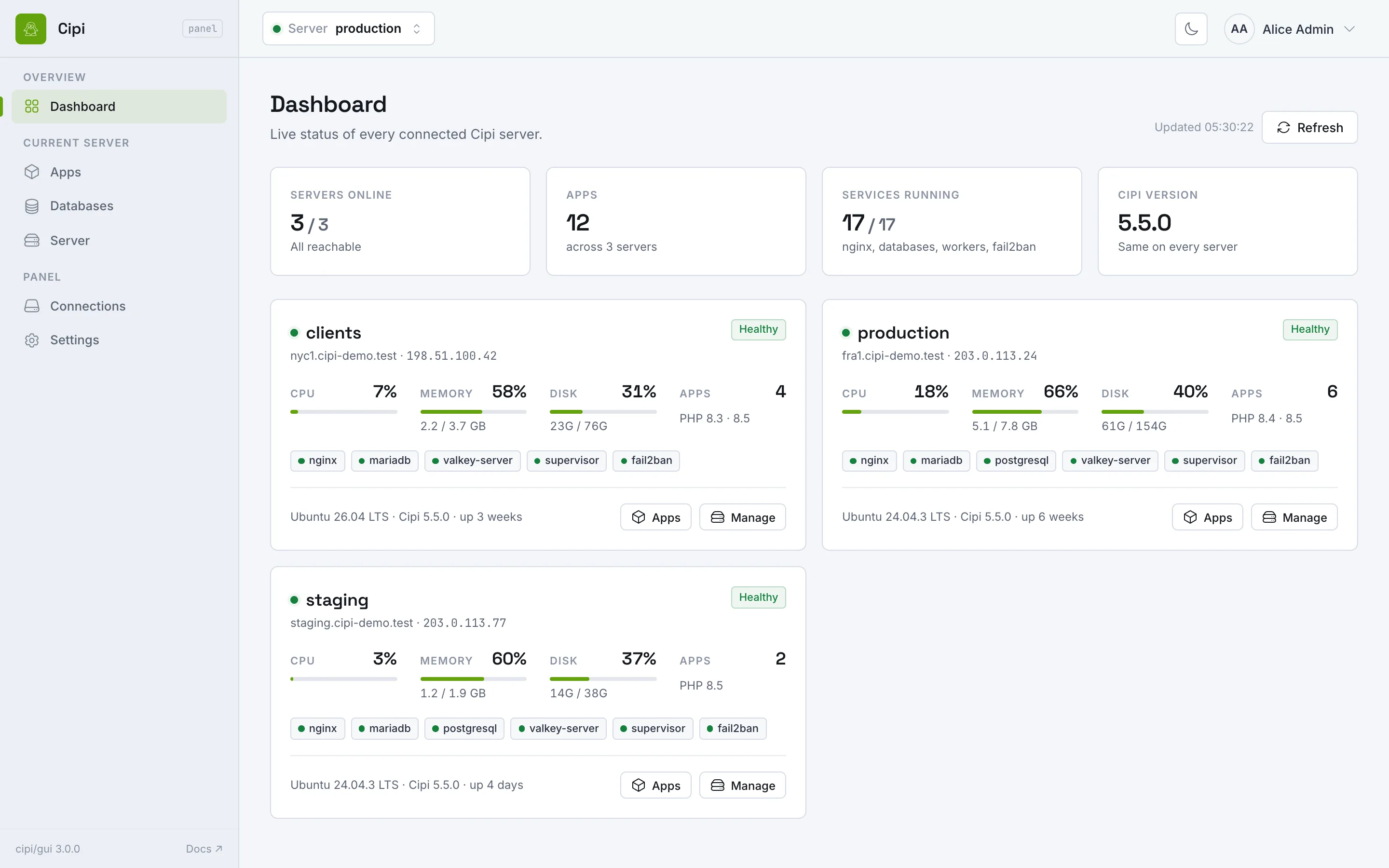
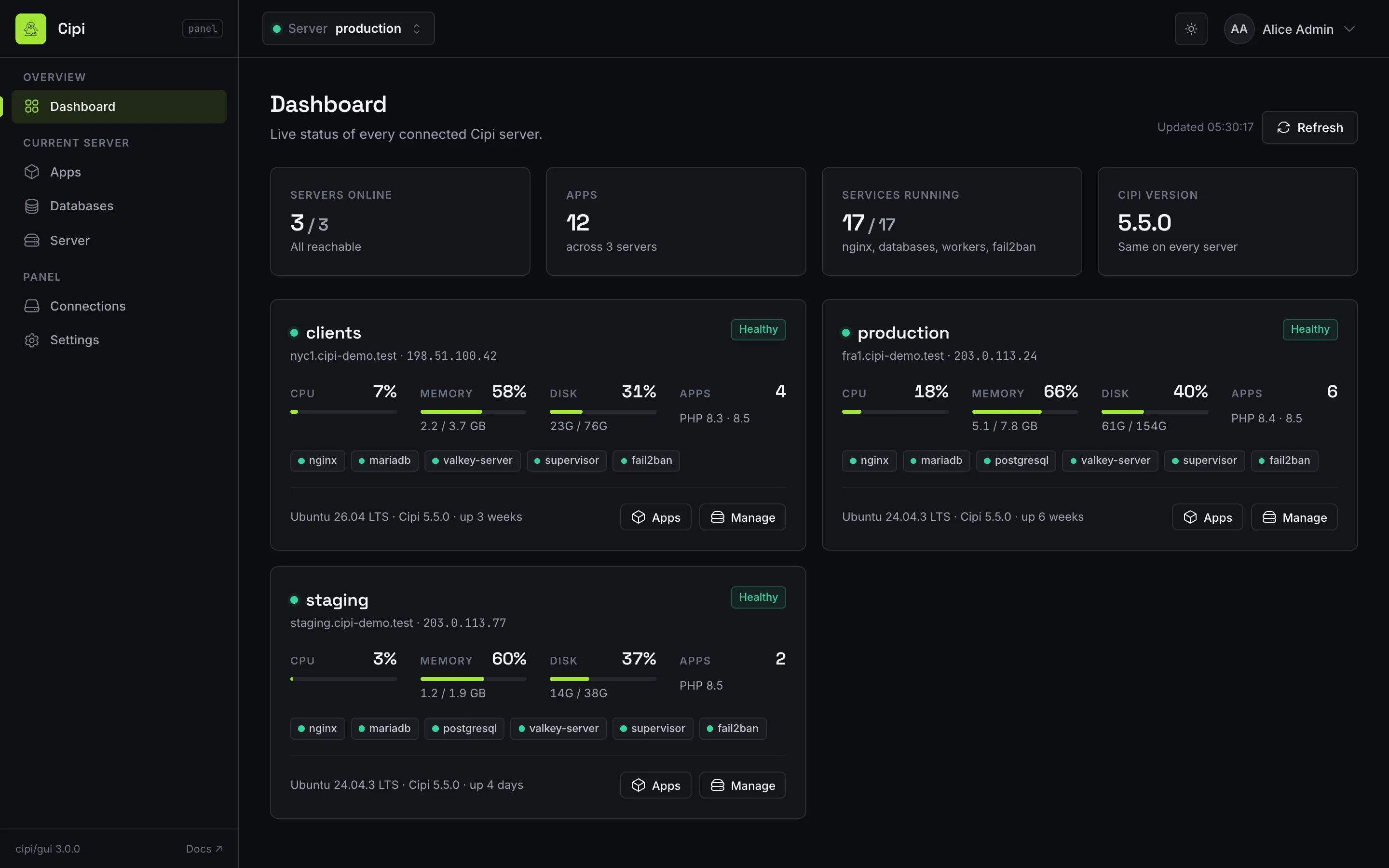
| Server | Status, CPU, memory, disk, services, PHP versions, Node runtimes, SSH keys, SMTP, health checks, IP allowlist, disk usage, monitor, Zero Trust status |
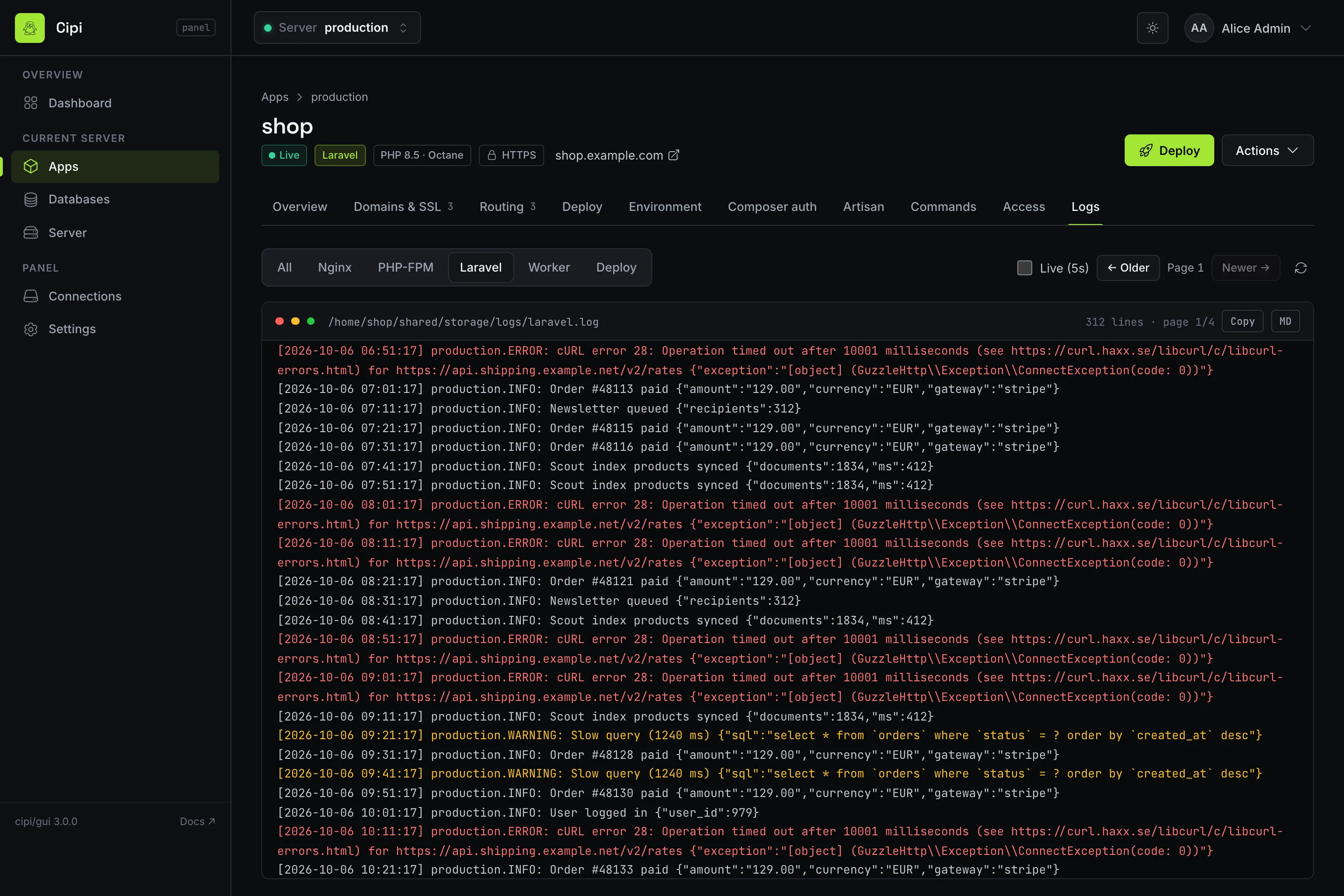
| Logs and jobs | App and server logs with filters and live refresh; async jobs in an overlay with colour-coded output; one-time credentials with copy buttons |
| Fleet | Many servers under one login, all apps and databases in one list with a server filter |
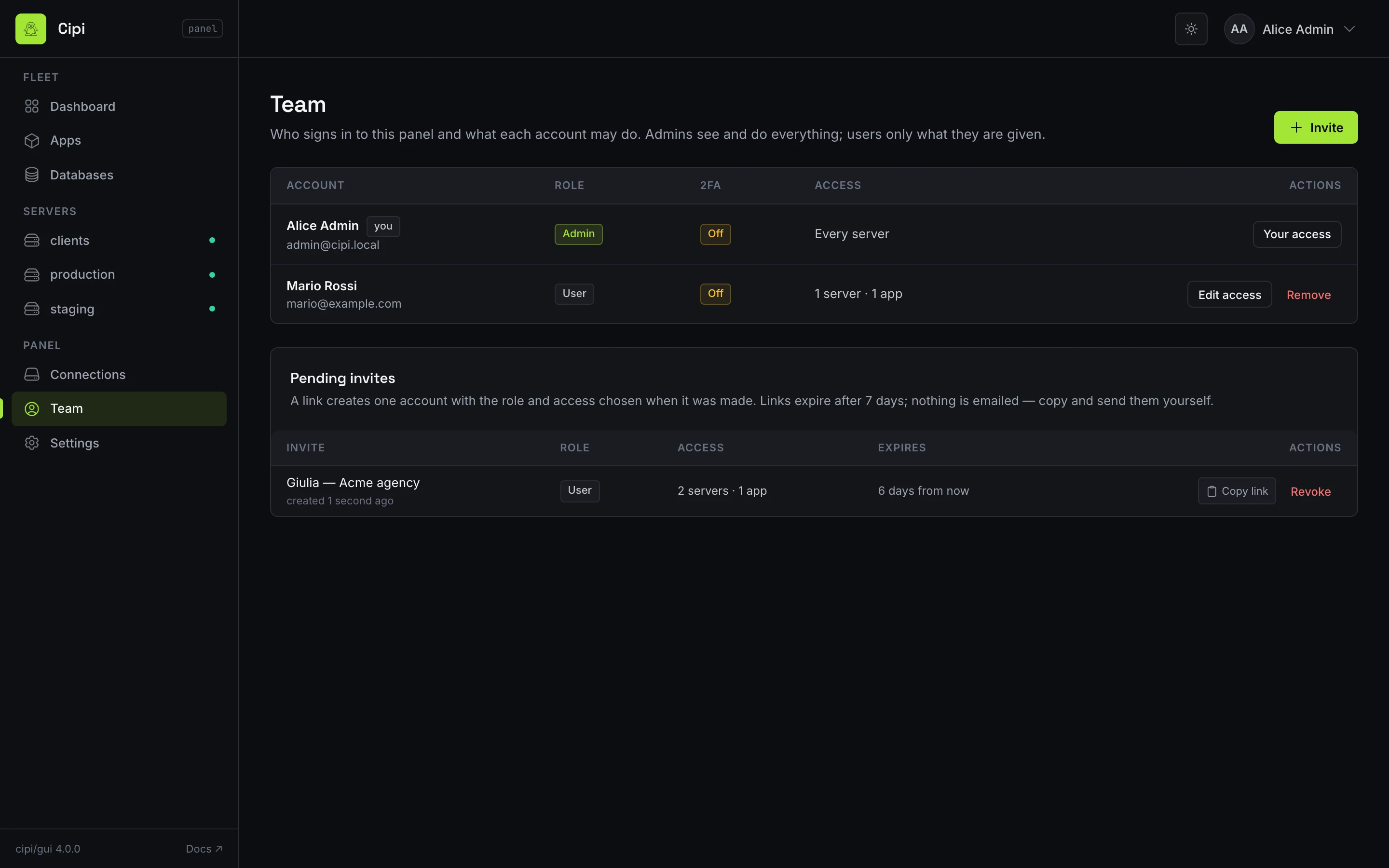
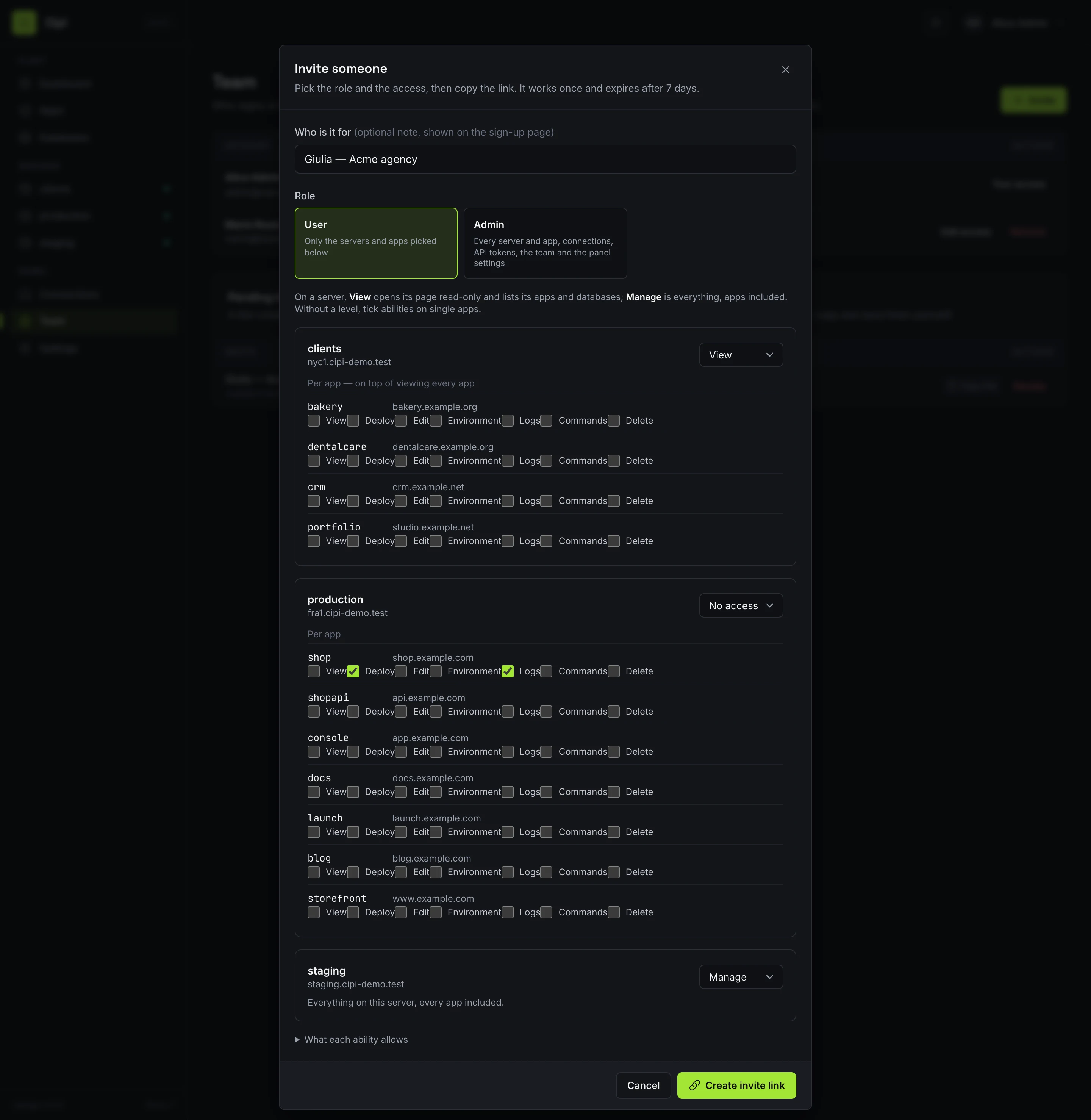
| Team | Admins and users; per-server View/Manage and per-app View, Deploy, Edit, Environment, Logs, Commands, Delete; invite links (nothing is e-mailed) |
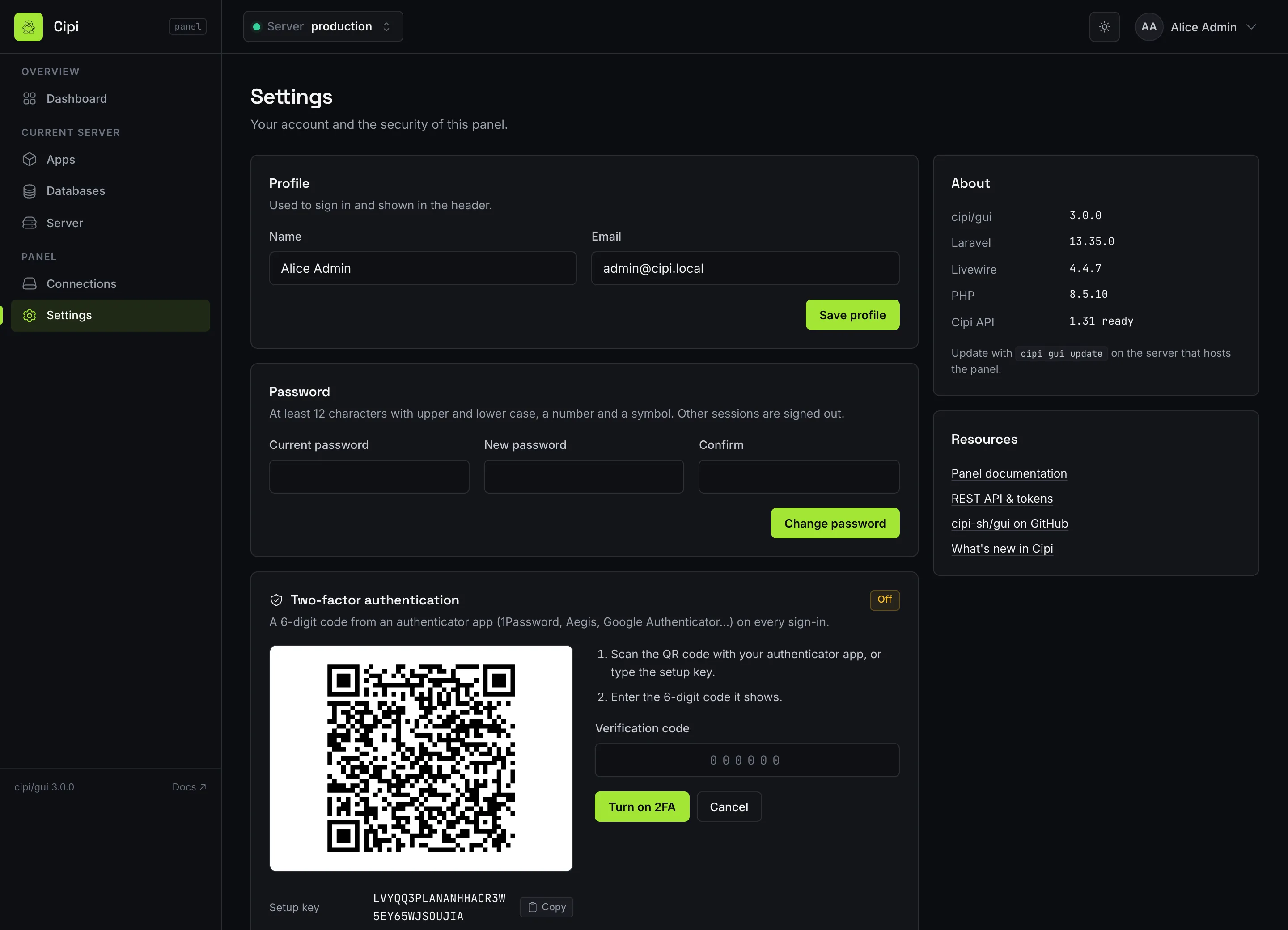
| Sign-in | Password with optional TOTP, or single sign-on over OpenID Connect |
Light and dark themes, a phone layout, a time zone per account. A server with an older API or a narrower token keeps working for everything it supports.
Permissions are checked on every request, server-side, against the app, server and job the page works on. Installing software, monitor thresholds and Zero Trust changes stay on the CLI by design.
Screenshot tour#
Real screenshots of the panel against its demo environment: three fictional servers, documentation-range domains and IPs (./dev/demo.sh in the package).
Apps#
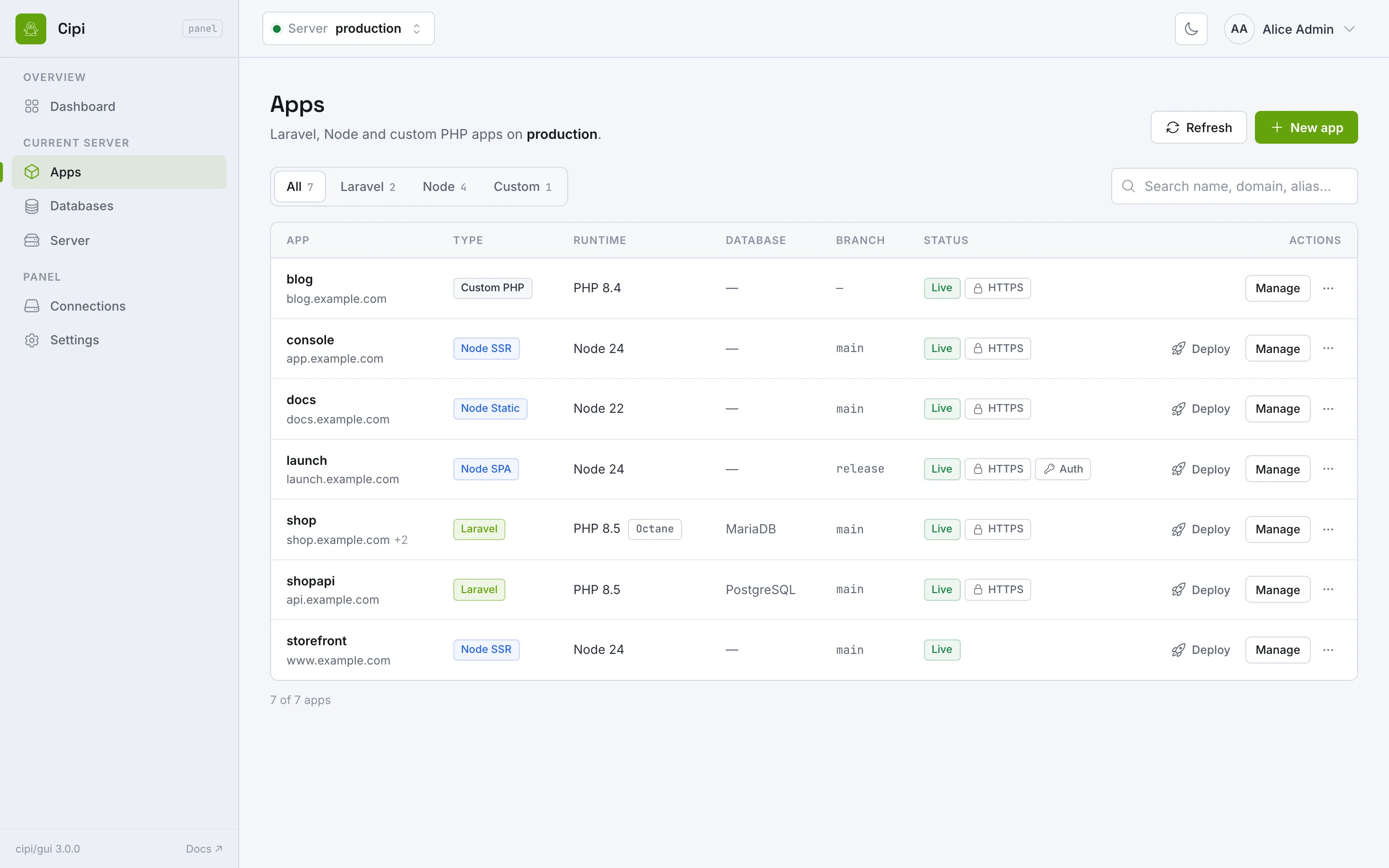
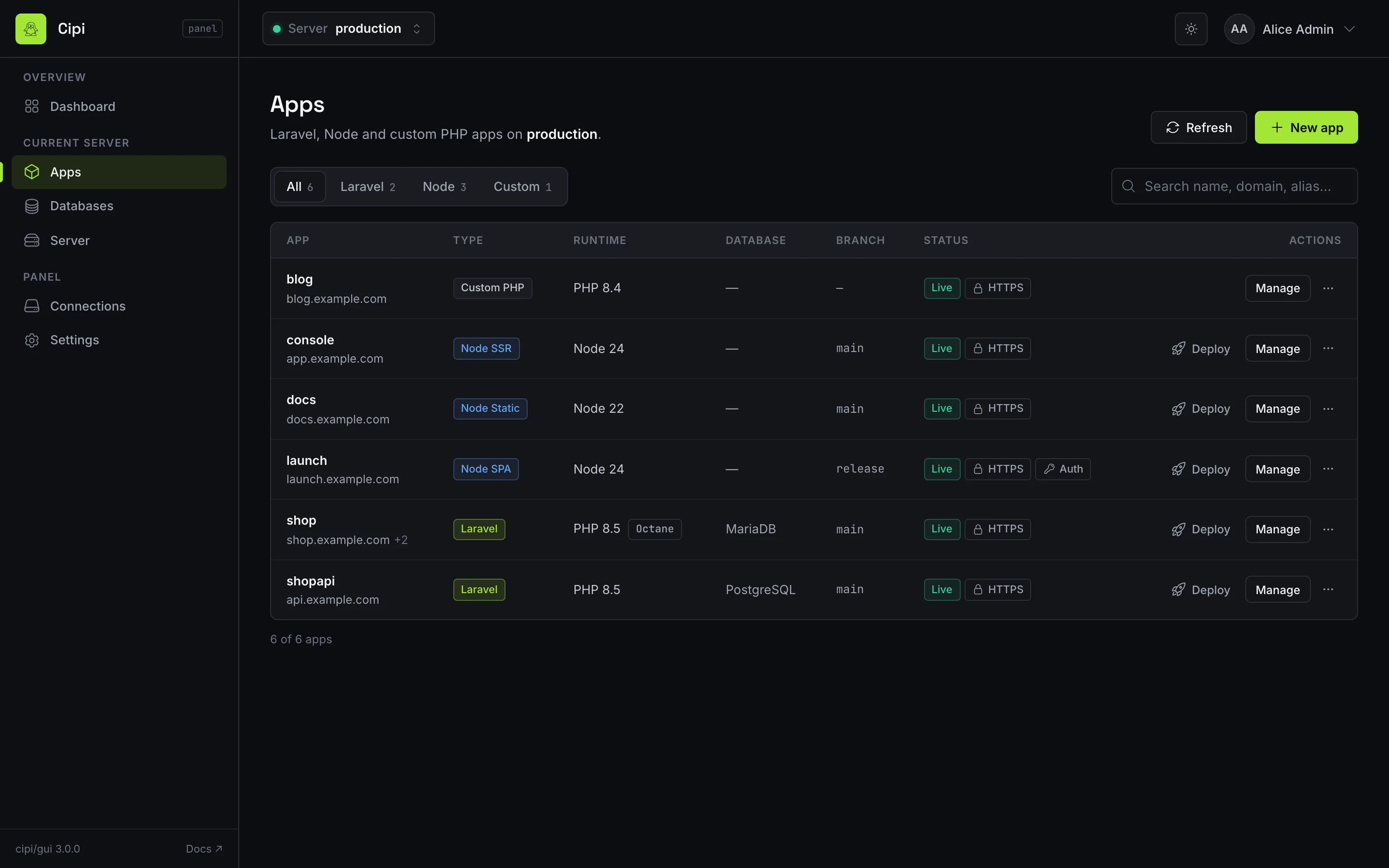
Every app of every server in one list, with server and type filters, search and a deploy button per row.
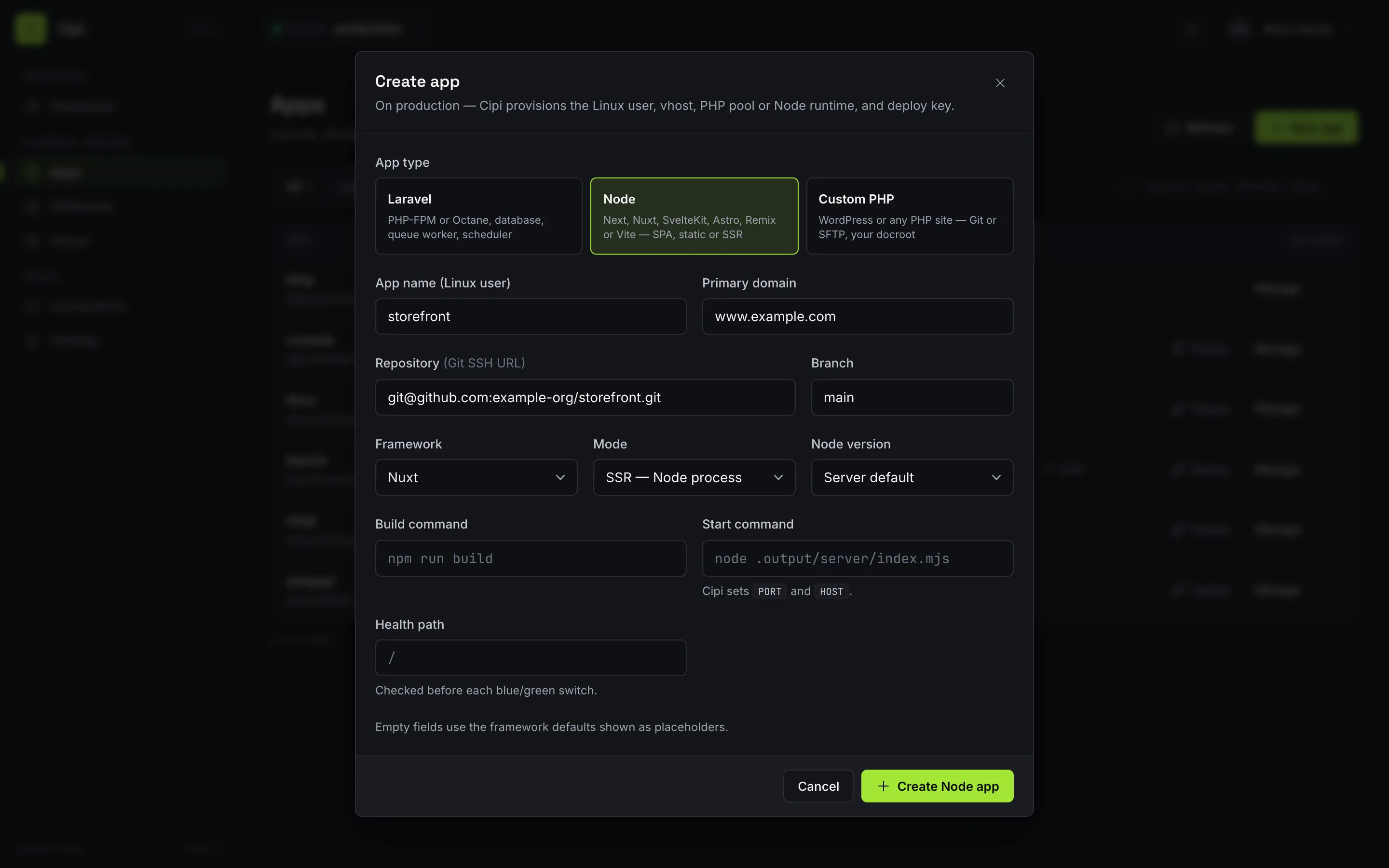
Creating an app starts with its type. Node presets (Next.js, Nuxt, SvelteKit, Astro, Remix, Vite) fill the same defaults as cipi app create --node.
App detail#
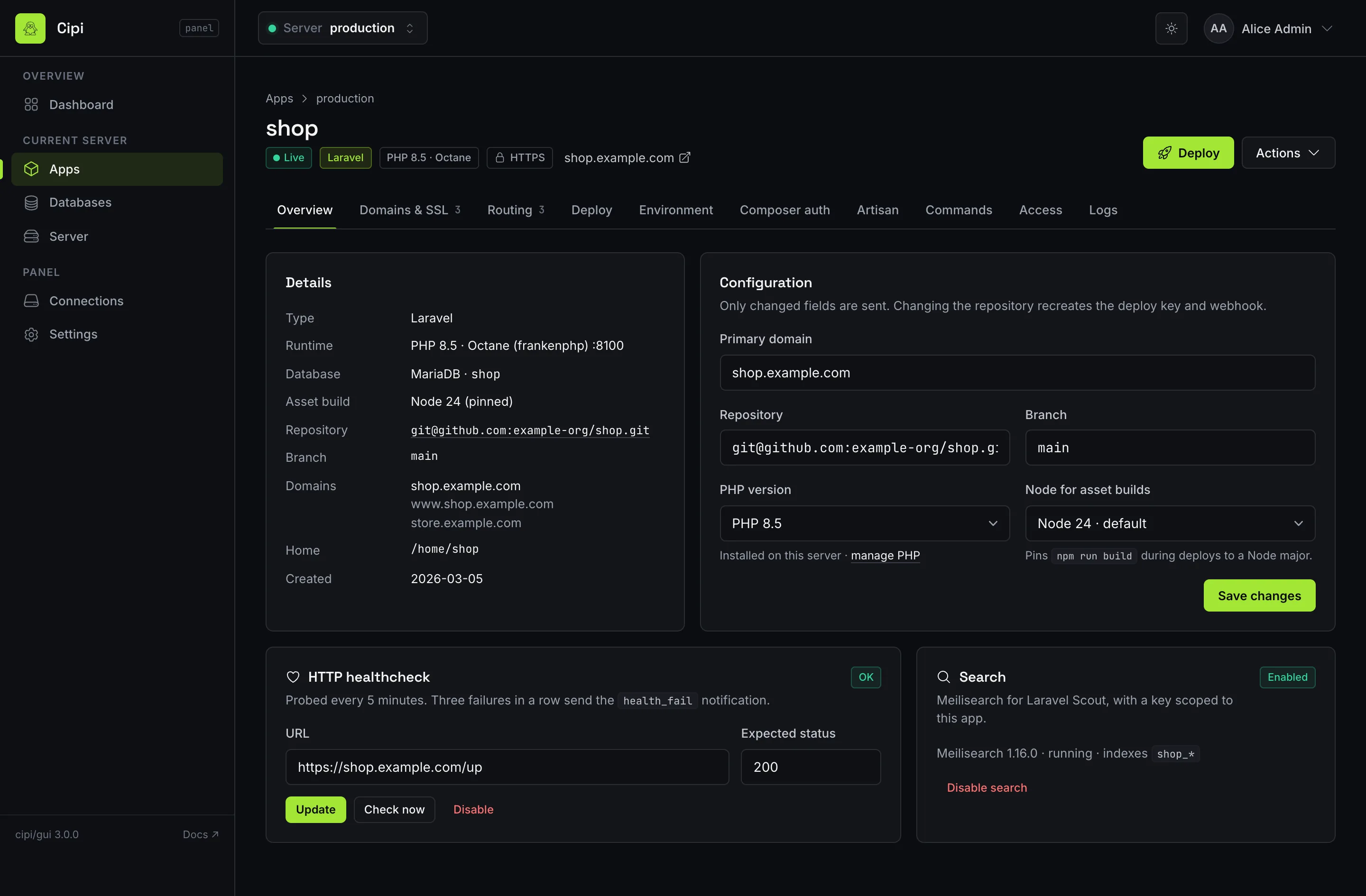
A header with status, type, runtime and actions, then one tab per area. Tabs live in the URL (?tab=deploy), so they can be bookmarked.
Jobs#
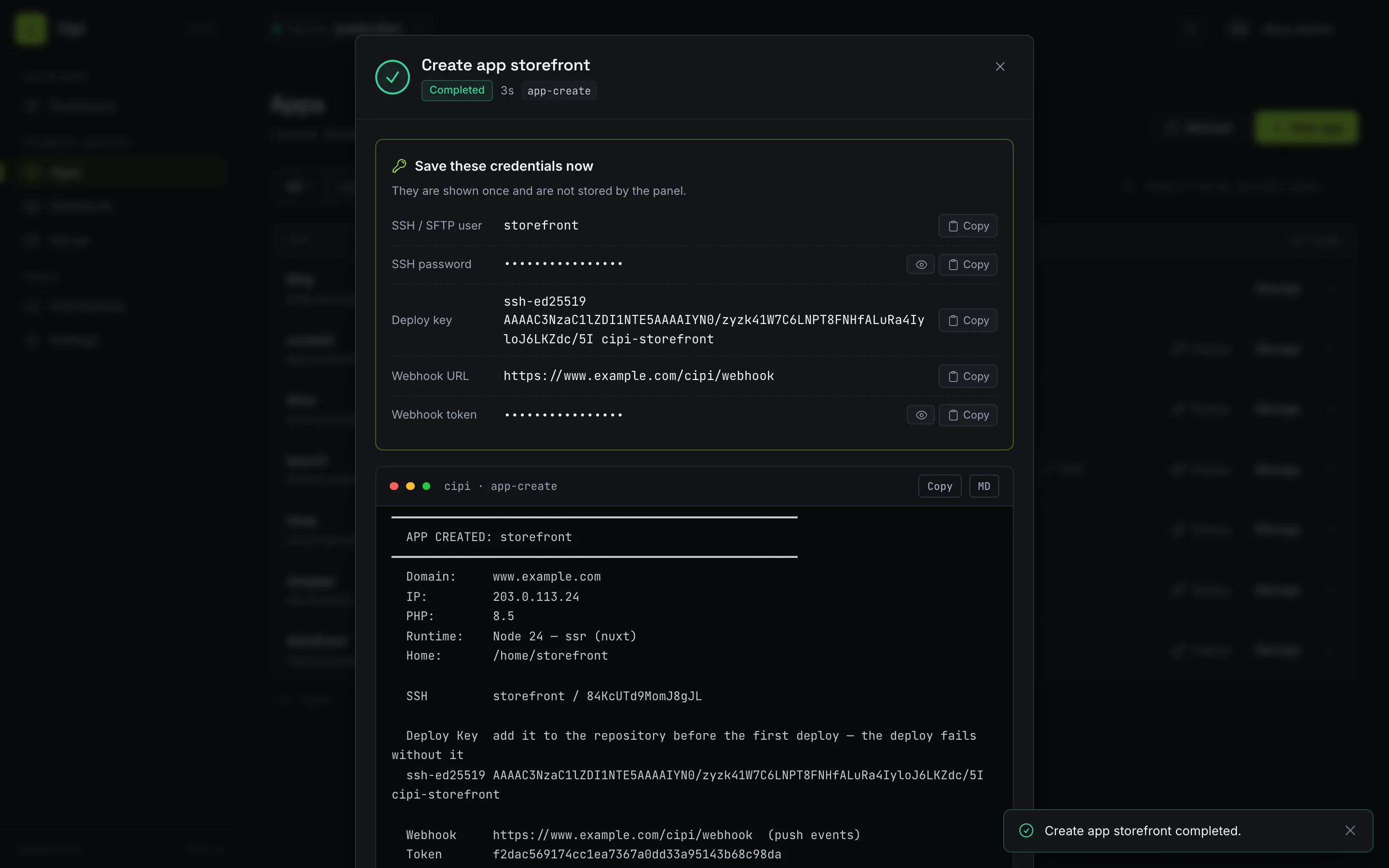
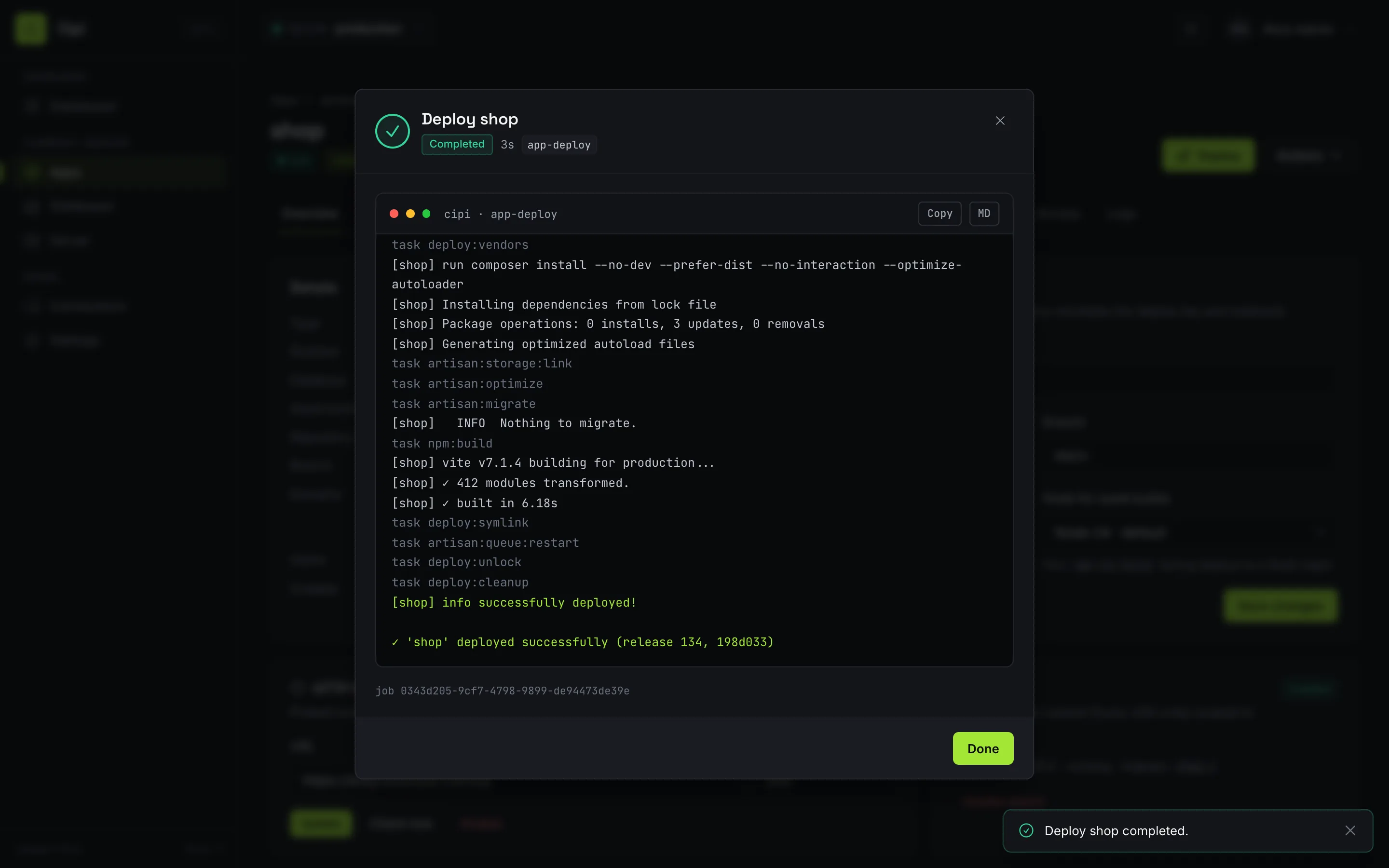
Deploys, SSL and database operations run as async jobs. The overlay polls GET /api/jobs/{id}, shows elapsed time and colour-codes the output; closing it leaves the job running.
Databases and server#
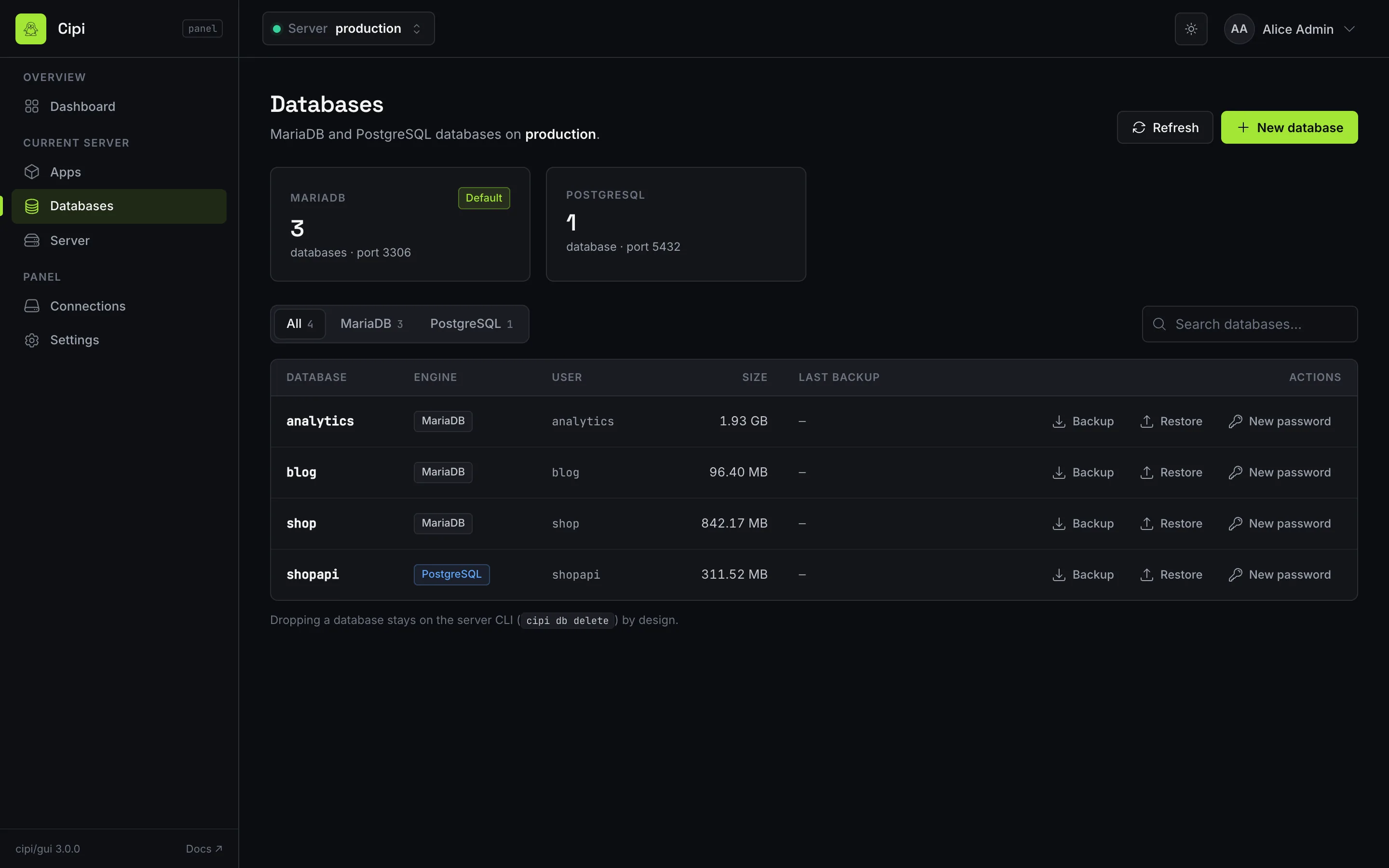
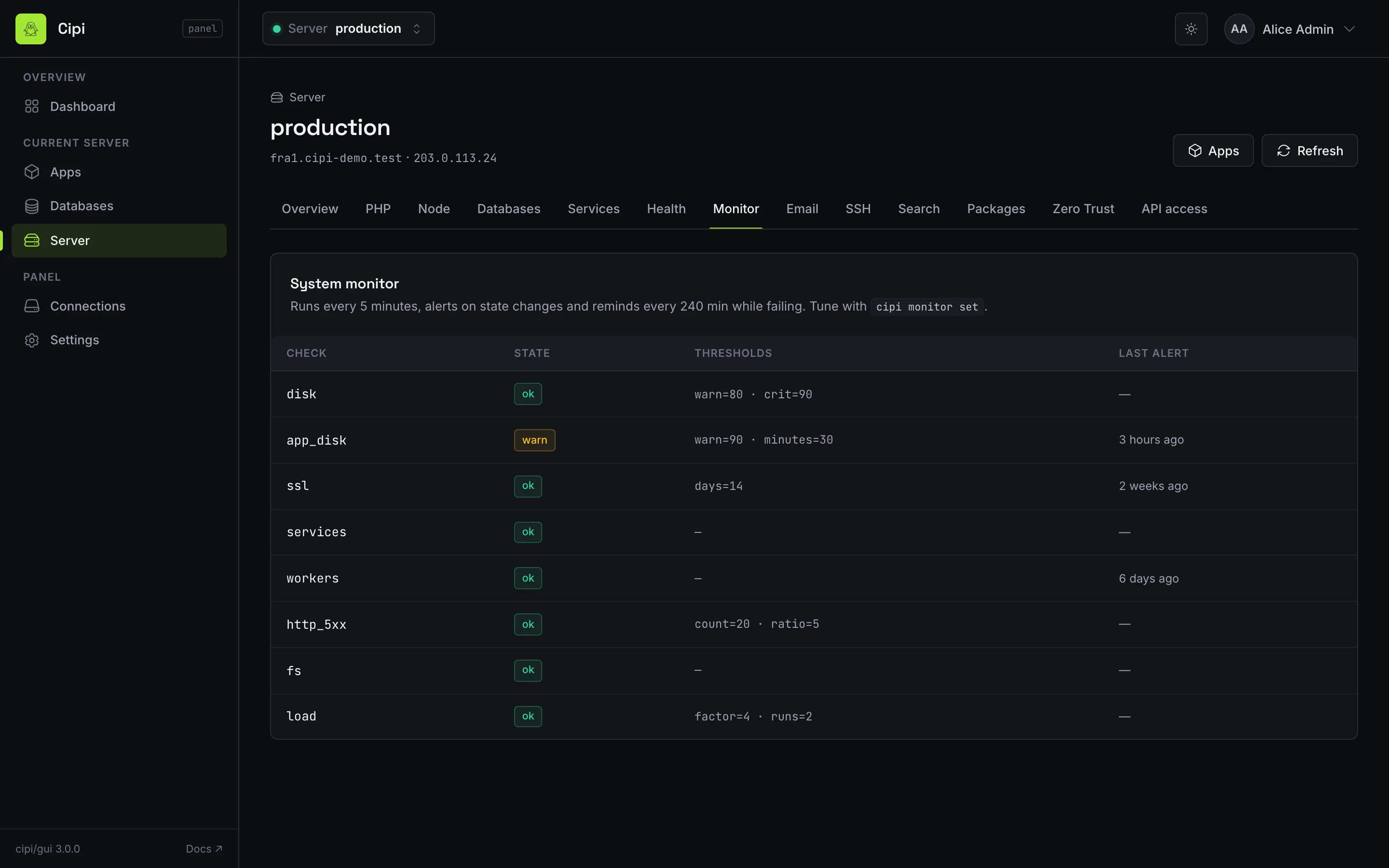
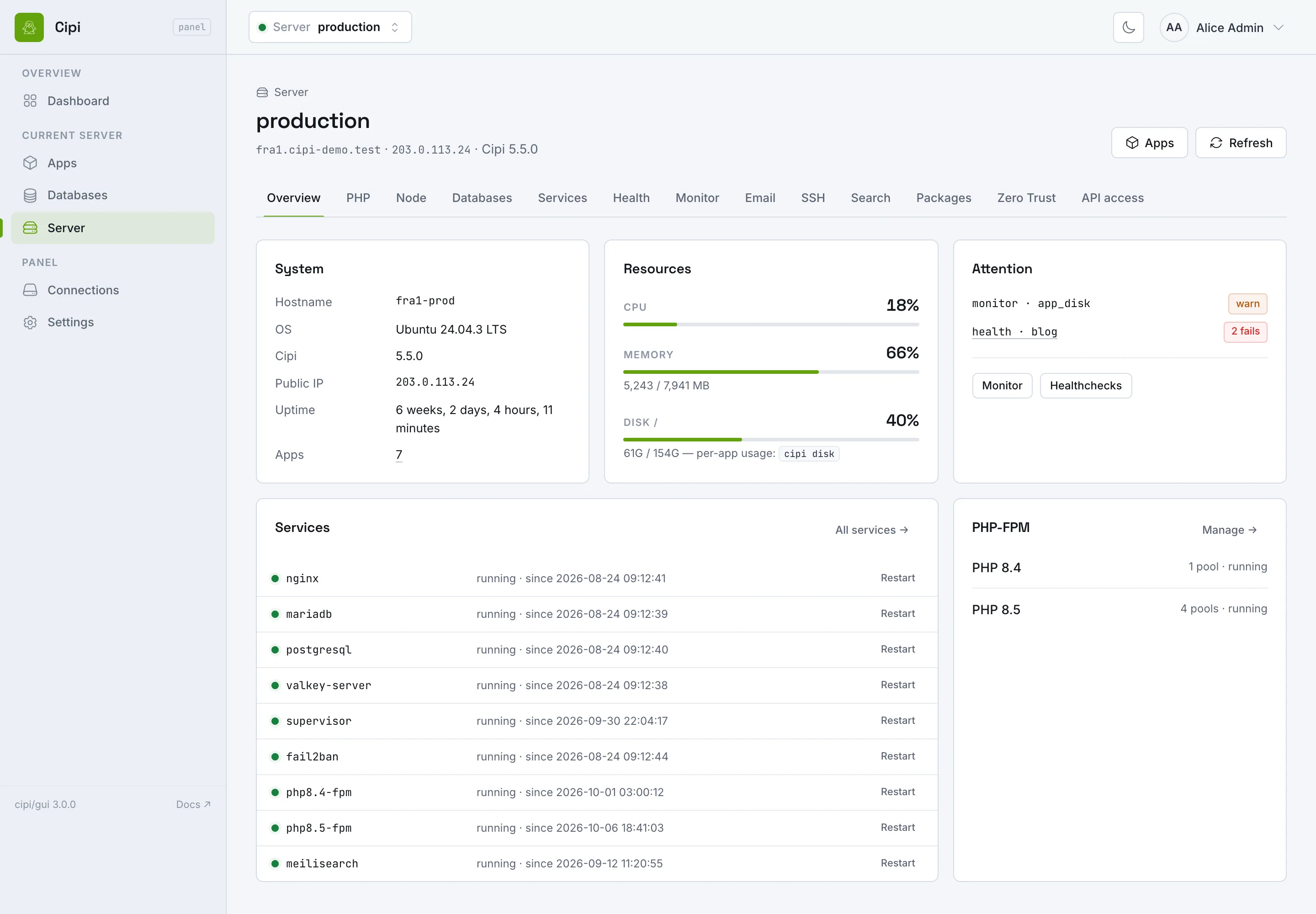
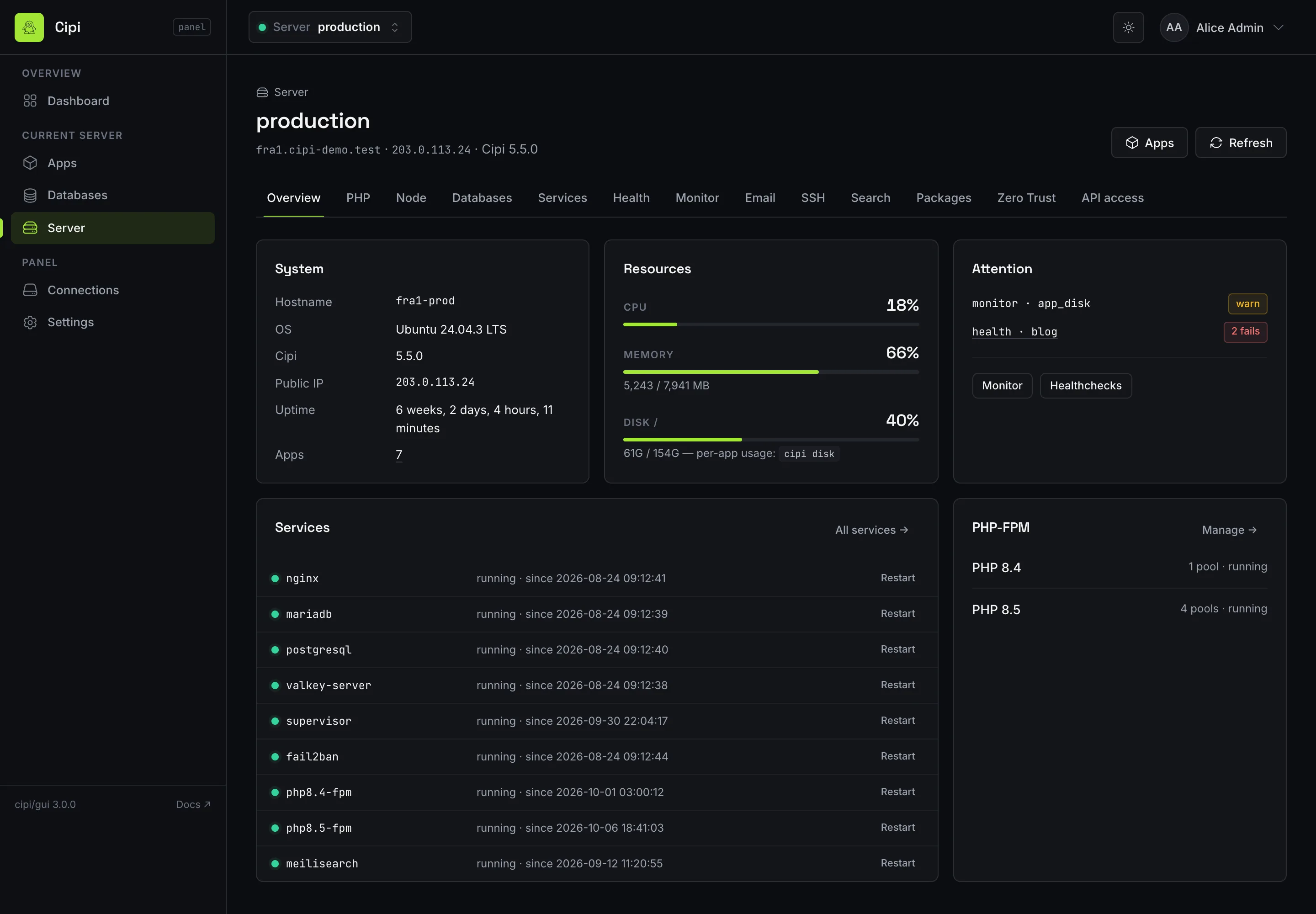
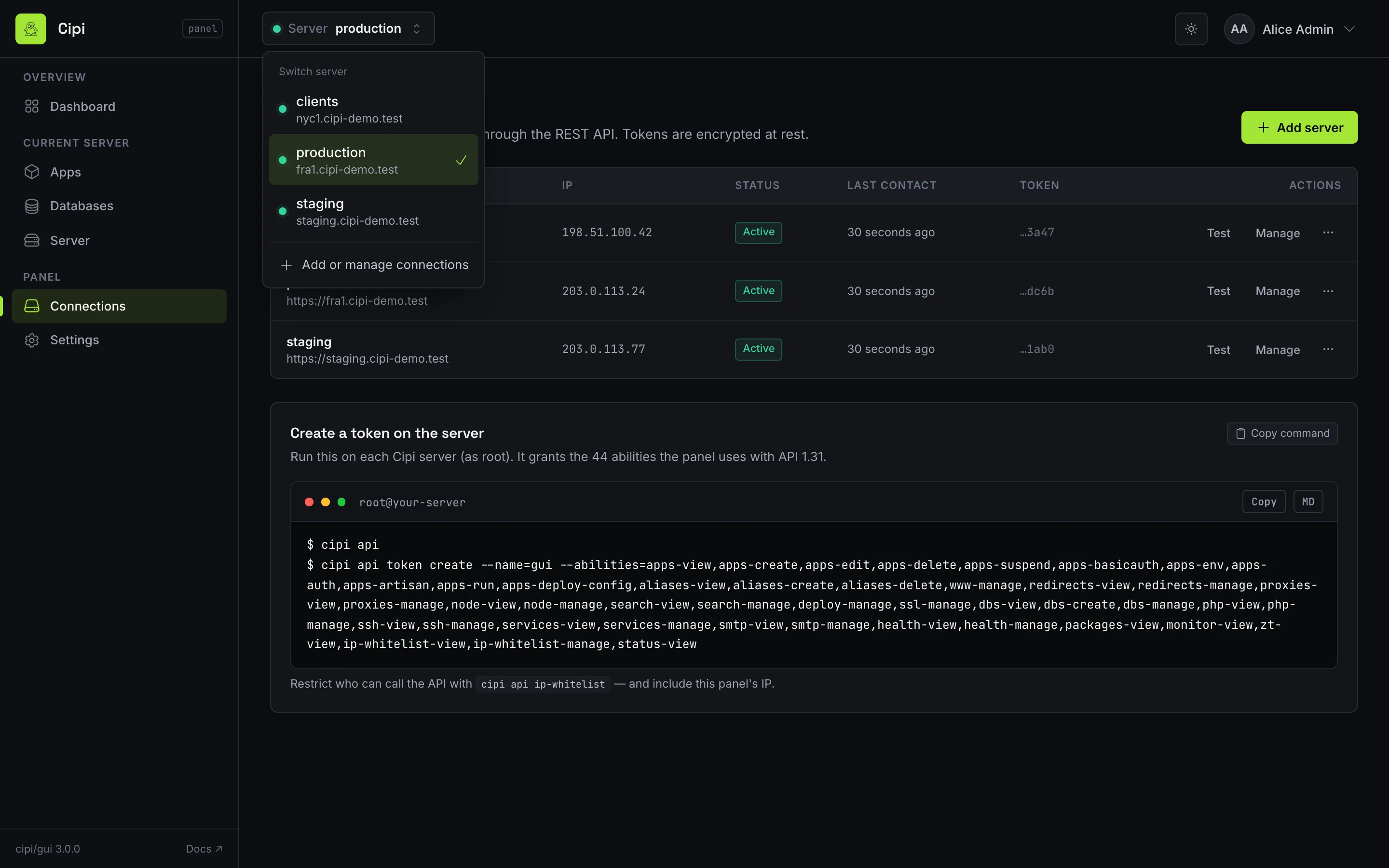
Connections and security#
Team and roles#
Admins see and do everything. A user gets what an admin grants and is invited with a copyable link that works once and expires after seven days.