Laravel-first open-source CLI with AI and MCP — also static sites and generic PHP. One command installs the stack. One command creates an isolated app with database, workers, SSL, and zero-downtime deploys.
# Fresh Ubuntu 24.04 or 26.04 VPS $ wget -O - https://cipi.sh/setup.sh | bash # Create an app $ cipi app create myapp --domain=myapp.com --php=8.5 OK Nginx · PHP-FPM / Octane · MariaDB · SSL · Deployer
What you get
Every app runs under its own Linux user. Isolated filesystem, PHP-FPM or Laravel Octane (FrankenPHP), and database. One compromised app cannot touch the others.
Built for
From solo developers to hosting providers — anyone who ships Laravel on a VPS.
Features
Built for Laravel developers who value security, simplicity, and control.
CLI-first and bloat-free — just SSH and the cipi
command — with an optional web panel the day you want one.
Cipi ships with a built-in MCP
server ready to use.
Install the cipi-agent package, point your AI
client to the endpoint,
and your assistant can deploy, rollback, read logs, and run Artisan commands — all over HTTPS,
no SSH required.
cipi-agent exposes health, app_info,
deploy,
logs, db_query and artisan as MCP tools —
ready for Cursor,
VS Code, and Claude Desktop.
Cipi is not a SaaS. There is no account to create, no control plane, no vendor holding your SSH keys or database credentials. The CLI runs on your VPS, talks to your server only, and keeps every secret on the machine you own — so you decide where your data lives and who can reach it.
Compatibility
Ubuntu 24.04 or 26.04 LTS, root access, ports 22/80/443 open. That's all you need.
Cipi stays CLI-first by default — but when you want to automate, integrate, or
let AI agents manage your server globally, enable the optional API layer with a single command.
Use REST API to create and manage multiple
applications across your infrastructure from a single endpoint. The
CLI Client (cipi-cli)
brings the full API to your local terminal — manage apps, databases, SSL, and deploys without
SSH. A
global MCP server is available to
let you create and manage your infrastructure through your AI agents, and an official
WHMCS provisioning module lets billing panels
create and terminate apps automatically.
Turn your Cipi server into a hosting business. The official WHMCS provisioning module connects your billing panel to Cipi's REST API — when a customer orders a product, the app is created automatically. Terminate, suspend, unsuspend — everything flows from WHMCS to your server without a single SSH session.
cipi-cli is a standalone Go binary
that talks to the Cipi REST API from your local machine. No SSH required — manage apps,
databases, SSL certificates, and deployments from any terminal. Available for Linux and macOS.
jq for scripting and CI/CD pipelines
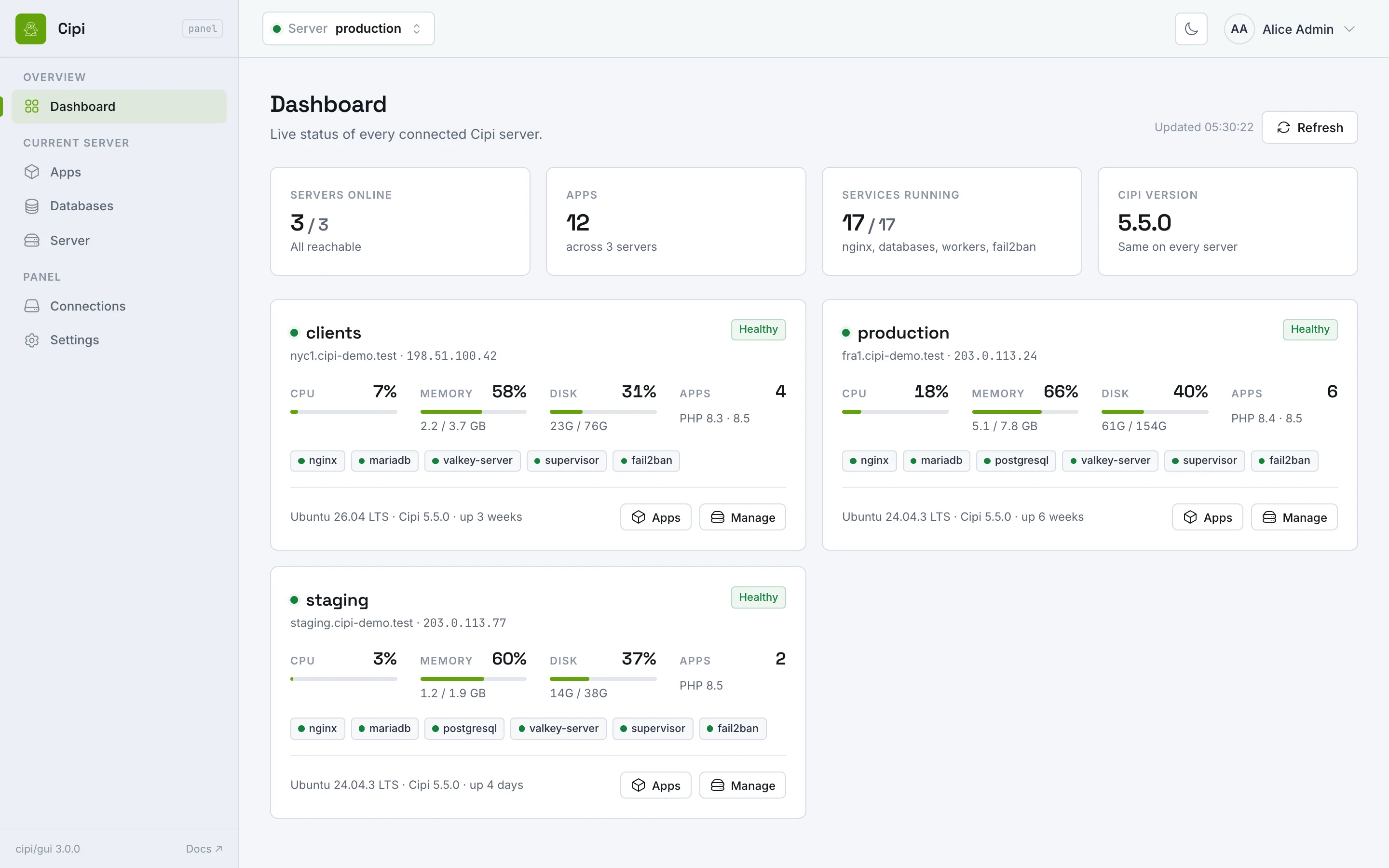
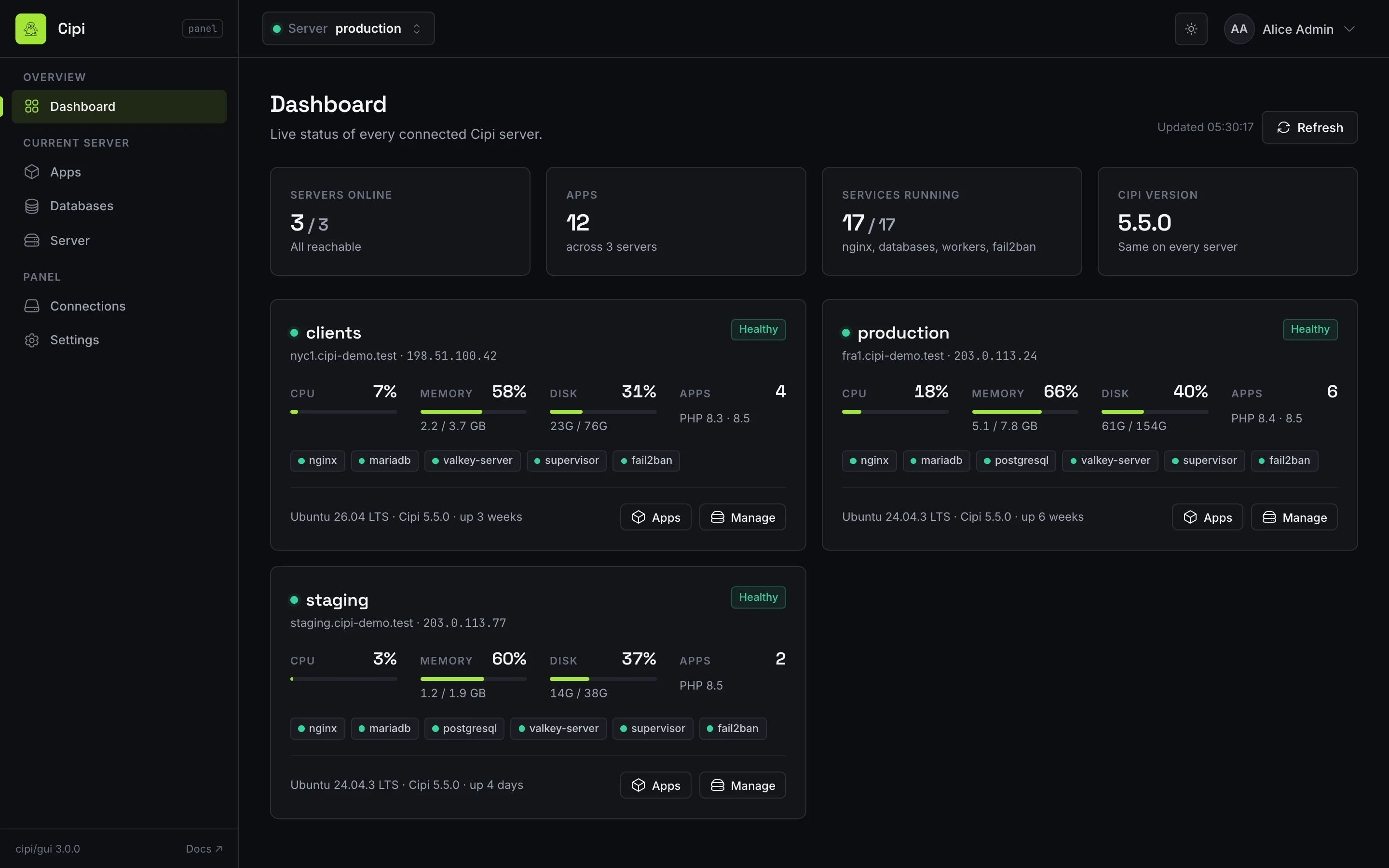
Cipi is CLI-first — and always will be. But when a browser dashboard fits you or your clients better, a single command installs the optional web control panel: a self-hosted Laravel app that manages one or many Cipi servers over the same REST API. Don't need it? Don't install it — nothing changes.
cipi gui panel.example.com
cipi gui remove — back to pure CLI
Get Started
Open source, MIT licensed, free forever.
Install on your VPS and start deploying
in minutes.
FAQ
Cipi is a Laravel-first, open-source deploy CLI that also supports static sites and generic PHP apps. A single command installs a complete production stack (Nginx, PHP-FPM or Laravel Octane, MariaDB, Valkey, Supervisor) on any Ubuntu VPS.
Yes. Cipi is 100% free and open source under the MIT license. You self-host it on your own server with no subscription or per-server fees.
Run a single command on a fresh Ubuntu VPS: wget -O - https://cipi.sh/setup.sh | bash. It installs and configures the full LEMP production stack automatically.
Yes. Cipi is a free, self-hosted, open-source alternative to Laravel Forge and similar deployment tools, giving you full control over your servers with zero recurring cost. See the Laravel Forge comparison.
Cipi runs on any Ubuntu VPS from providers like DigitalOcean, Hetzner, Vultr, Linode, AWS, and more, turning a single server into a multi-app LEMP hosting platform.
Yes. Cipi runs Laravel Octane on FrankenPHP natively: create Octane apps with cipi app create --octane or convert existing apps with cipi app convert --to=octane, running alongside classic PHP-FPM apps on the same server.
Yes, optionally. Cipi is CLI-first, but cipi gui yourdomain.com installs a free, self-hosted web dashboard that manages one or more Cipi servers from the browser — apps, databases, SSL, deploys and logs.
No. Cipi is self-hosted and has no telemetry or phone-home: it runs on your VPS and never sends your apps, domains, keys or database credentials anywhere. It is open source (MIT), built in the EU, and stores configs, tokens and keys encrypted with AES-256-CBC through the Vault. Choose an EU region on any provider and your data stays there, with you as the only data controller — which makes GDPR compliance far simpler than with a SaaS panel.
Yes. Cipi ships a dual MCP (Model Context Protocol) server, so MCP-compatible IDEs and AI agents can create apps, run deployments, manage SSL and databases through a structured API.