Apps
Laravel on PHP-FPM or Octane, Node apps with framework presets, custom PHP like WordPress.
- Create with a server picker
- Domains, aliases, www/apex, SSL
- Redirects and reverse proxies
Apps, deploys, databases, backups and server health for every Cipi server, in one panel you host yourself. Give your team and your clients exactly the access they need. Keep the terminal for everything else.
cipi gui panel.example.comThe same operations as the CLI, through the same code path. Nothing the panel does is hidden from the terminal, and the other way round.
Laravel on PHP-FPM or Octane, Node apps with framework presets, custom PHP like WordPress.
Zero-downtime releases, rollback and unlock, and a deploy in progress shown live, whoever started it.
The file of the live release, whether it's valid, and exactly what applying it would change.
MariaDB and PostgreSQL across servers, and a backup matrix that flags anything unprotected.
Status, services, PHP and Node runtimes, SSH keys, SMTP, health checks and disk usage per app.
Admins and users, access per server or per app, invite links instead of e-mailed passwords.
Real screens of the panel against its demo servers.
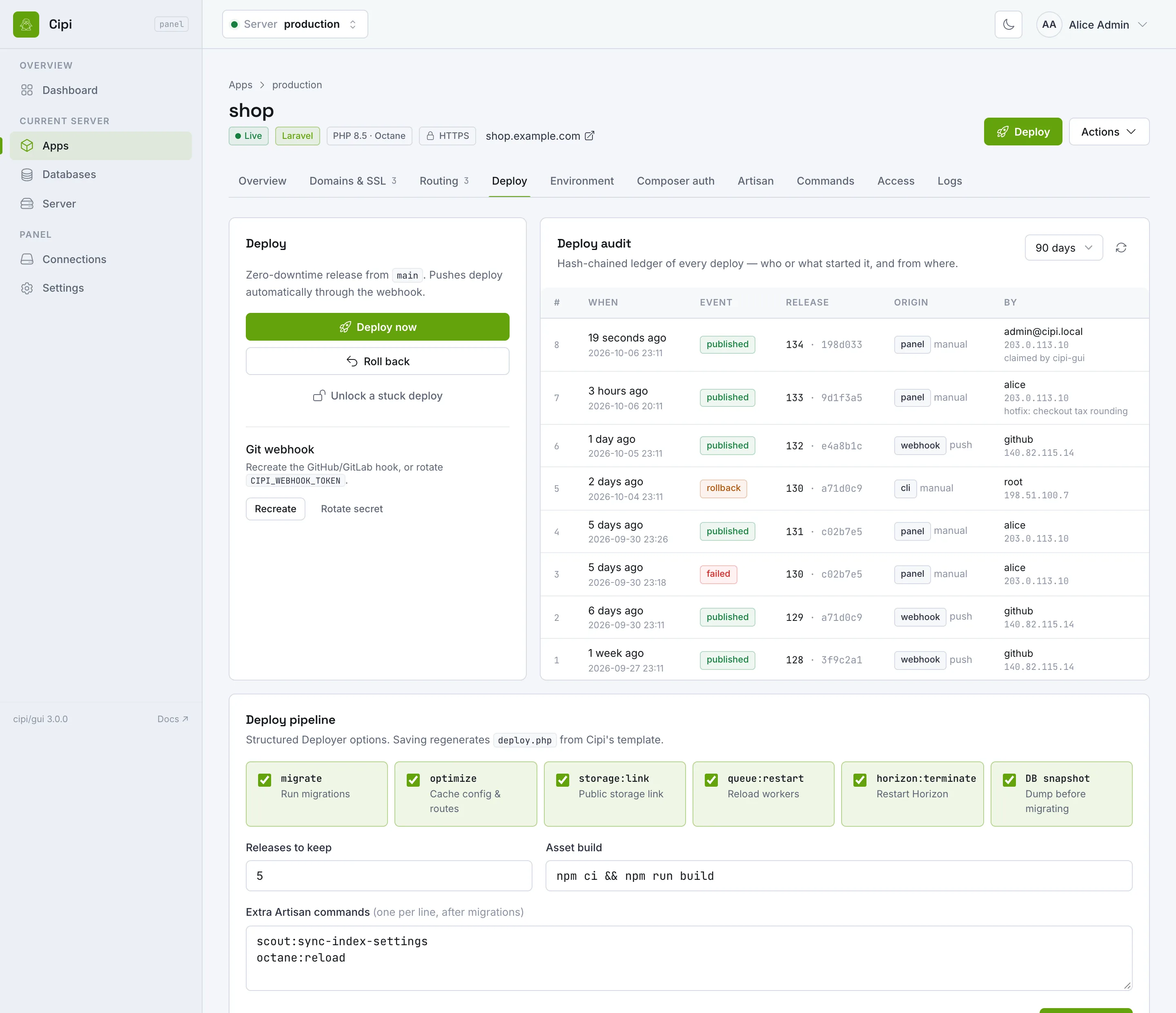
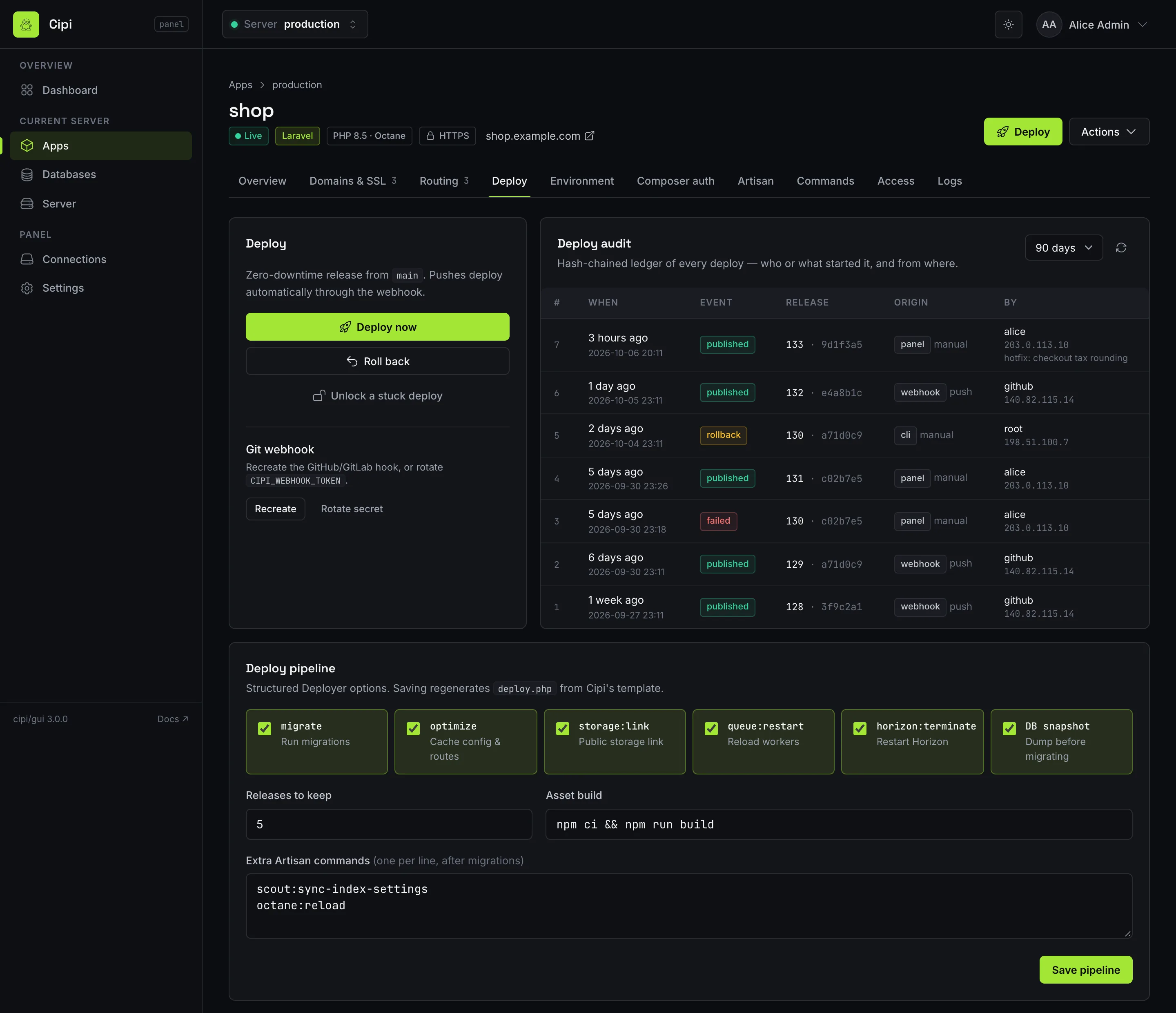
A push to GitHub, a teammate on the CLI, an assistant over MCP: the app page shows the deploy in progress with its trigger, branch, phase and live log, and holds Deploy and Roll back until it ends.
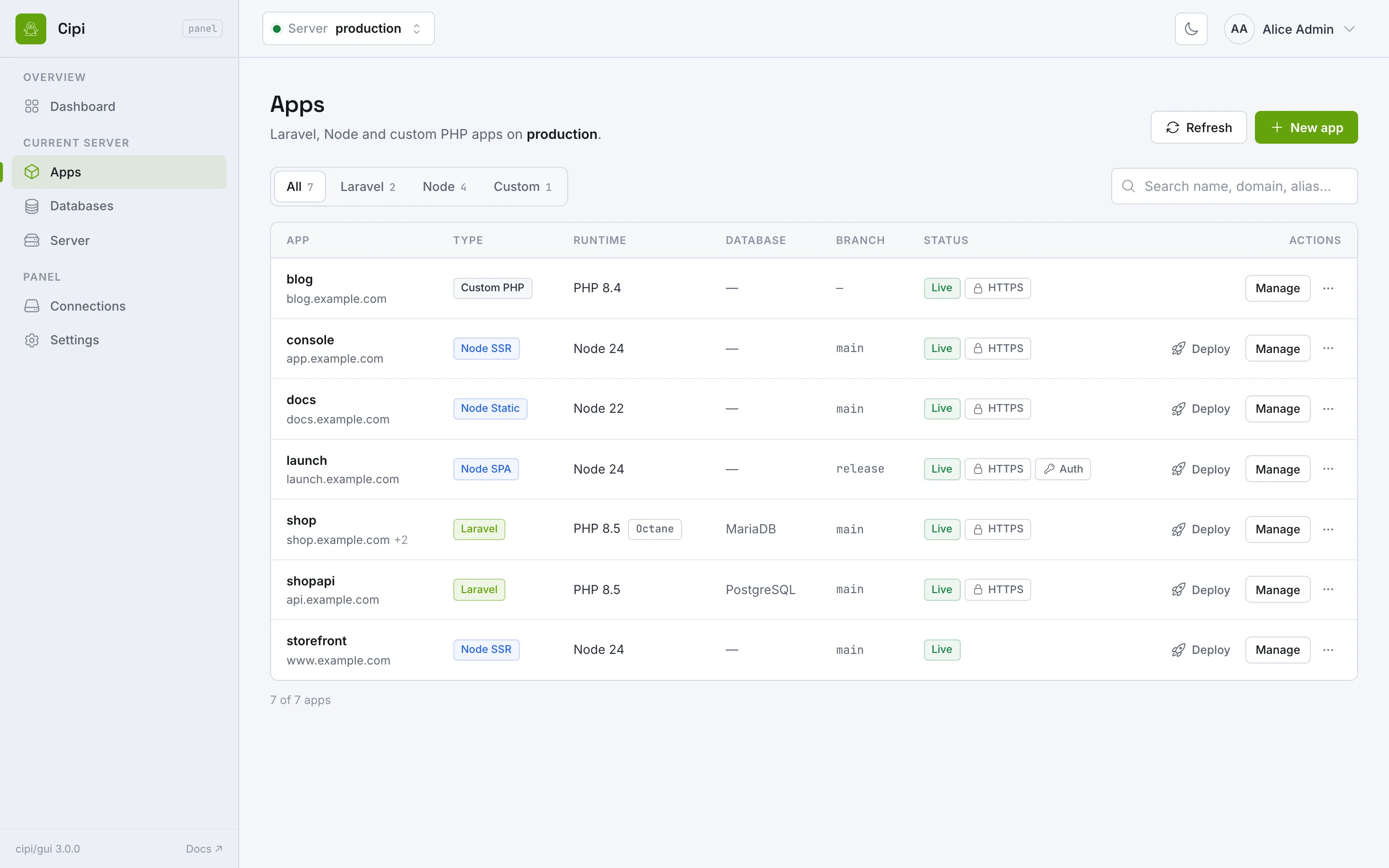
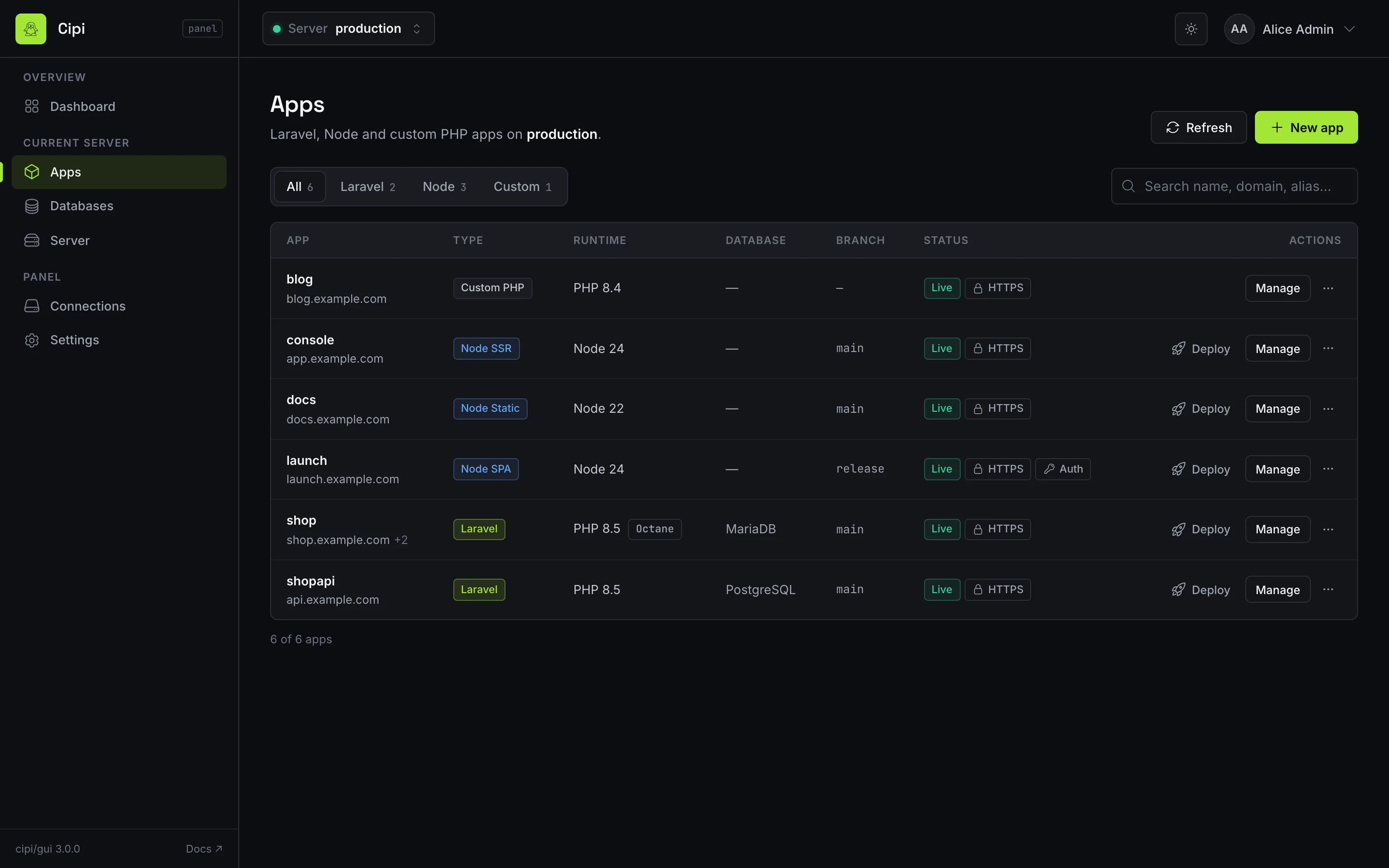
The fleet view puts the apps and databases of every connected server together, with server and type filters, search, and a deploy button on every row. Dashboard cards show CPU, memory, disk and services at a glance.
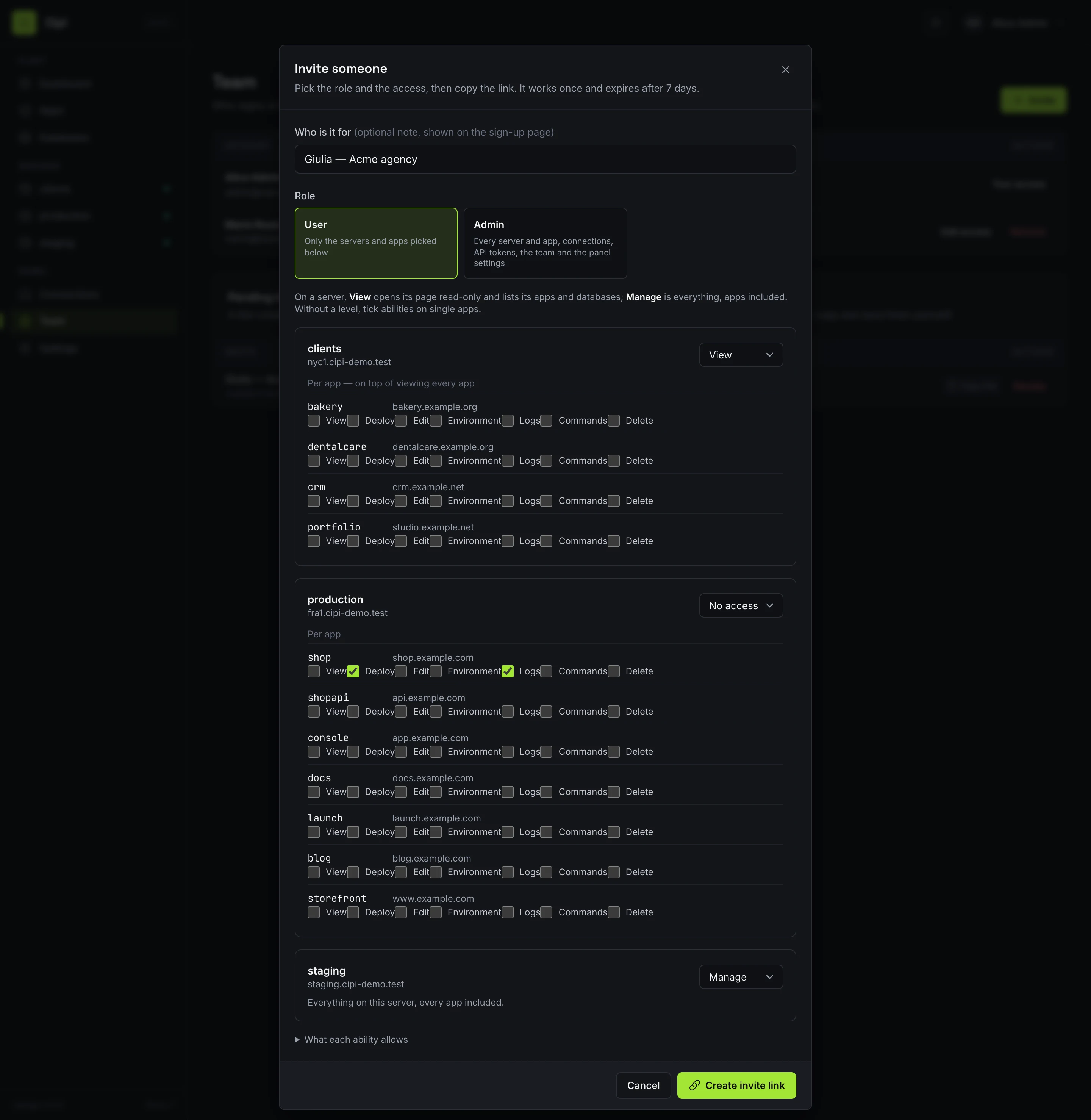
Invite a client to see their two apps and deploy them, a freelancer to read logs, a teammate to manage a whole server. Each invite is a link that works once and expires in seven days.
The panel stores no state about your servers. It talks to each one through its API, which runs an allowlist of cipi commands. Remove the panel and every server keeps working exactly as before.
| Kept off the panel on purpose | Installing software, dropping databases, removing PHP versions, Zero Trust changes. A stolen session can't do them. |
|---|---|
| Secrets | One-time credentials shown once with copy buttons; S3 secret keys entered on the server only. |
| Sign-in | Strong passwords, optional TOTP, OpenID Connect SSO; put it behind Cloudflare Access for zero exposure. |
| Updates | cipi gui update, or a full rebuild with cipi gui upgrade. Removing it is one command. |
Each piece on its own subdomain, pointed at the server. Certificates are issued for you.
On every server you want to manage.
cipi api api.example.comFull access for the panel, or a scoped list.
cipi api token create --name=panel --full-accessOn one server. Then add connections.
cipi gui panel.example.com$ cipi api api.example.com $ cipi gui panel.example.com
cipi gui, moving the panel, 2FA.
SecuritySingle sign-onEntra ID, Google Workspace, Okta, Keycloak and others.
OperateUpdate and maintainUpdates, permissions, resetting a user, removal.
InternalsArchitecture and API coverageHow the panel talks to servers, endpoint by endpoint.
GuidePanel and API, step by stepFrom install to a locked-down setup for your team.
No. Cipi is complete from the CLI. The panel is an optional, self-hosted extra for people who prefer a browser, and you can remove it any time.
No. It's free and open source like the rest of Cipi, and it runs on one of your own servers.
Yes. Add each server's API under Connections: apps and databases of every server appear in one fleet view.
Yes. Users see only the servers or apps an admin grants, with separate permissions for deploy, edit, environment, logs, commands and delete.
It talks to servers only through their API, checks permissions on every request, supports TOTP 2FA and OpenID Connect SSO, and can sit behind Cloudflare Access. Installing software or dropping data stays on the CLI by design.
No. Cipi is complete from the CLI. The panel is optional, for teams and people who prefer a browser. Skip it and nothing changes on your servers.
On one of your Cipi servers (or a small dedicated one), at its own subdomain, installed with cipi gui panel.example.com. See Install the panel.
Users you create, with roles, optional TOTP two-factor and optional SSO through OpenID Connect. See SSO.
Destructive host operations (installing software, deleting databases, removing PHP versions) stay on the CLI on purpose.
Yes, like the rest of Cipi: MIT licensed, self-hosted, no seats or plans.