- Docs
- Server & runtime
- Safer self-updates
Safer self-updates
Optional: only releases signed by a trusted key, and a delay before a new release is installed.
Every night, at 03:50, each Cipi server installs the latest Cipi from GitHub (Updating Cipi). That is how fixes reach every server without anyone logging in — and it means a server trusts what is published on GitHub. Two safeguards narrow that trust. Both are off unless you turn them on, alone or together:
| What it does | Against | |
|---|---|---|
| Signed releases only — not available at the moment | A release is installed only when its tag is signed by a key the server already trusts | A taken-over GitHub account, a tampered download: pushing code is not enough, it has to be signed with a key that is not on GitHub |
| A delay | A new release is installed once the server has seen it for a while — 12 hours, suggested | A bad release, signed or not: time for it to be noticed and reverted before it lands on your servers |
cipi self-update policy                                 # how this server updates Cipi   (--json)
cipi self-update policy --delay=12h                     # wait 12 hours before a new release
cipi self-update policy --verify=on --fingerprint=SHA256:…   # signed releases only — not available at the moment
cipi self-update policy --delay=off --verify=off        # back to the default
Nothing else changes: the nightly update, cipi self-update at the shell, the backup of the installation before it and the migrations after it work as before. From the panel, the API, cipi-cli and the PHP SDK too.
Signed releases only#
Signed releases are not available at the moment. Cipi releases are not signed yet, so there is no key to trust: --verify=on is refused (No signer to trust) and nothing changes on the server. Until they are, the delay is the safeguard to use. The signing key will be listed below when signed releases are available.
With --verify=on, the server installs a release only when:
- its tag
v<version>(the version in the downloadedversion.md) exists, - is signed with an SSH key listed in
/etc/cipi/release-signerson this server, - and points at the very commit that was downloaded.
Anything else — no tag, a tag signed by an unknown key, a tag on another commit, or a signed release older than the one installed (a branch pointed back at an old release with a known flaw) — is refused: nothing is installed, the server stays on the version it has, and you get a notification with the reason. The next night it tries again.
sudo cipi self-update
  Update refused: the signature of v5.19.0 is not one of a trusted key: …
The keys the server trusts are the ones already on it. A release can't vouch for itself: it may bring a new list of signers, and that list replaces the old one only after the release has been verified with the old one. The check is git verify-tag with gpg.format=ssh — Git's own SSH signatures, nothing to install.
The first time: compare the fingerprint#
The first time the check is turned on, /etc/cipi/release-signers is empty: the server takes the keys shipped with the installed Cipi (/opt/cipi/release-signers), once you say you compared them with the ones published below.
cipi self-update policy --verify=on
  Releases will be checked against these keys:
    SHA256:…  releases@cipi.sh
  Compare them with the ones published at https://cipi.sh/docs/self-update#signers
  They are the same — trust them? [y/N]
From a script, the panel or the API, there is no question to answer: pass the fingerprint you compared, and the server takes the keys only when it is one of them.
cipi self-update policy --verify=on --fingerprint=SHA256:…
With the check on, an unsigned release is never installed: a server whose check refuses every release stays on its version — and misses its security fixes too.
Release signers#
The keys Cipi releases are signed with. Compare the fingerprint with the one your server shows before trusting it — on this page, served over HTTPS from cipi.sh, not from GitHub:
| Fingerprint | Principal | Since |
|---|---|---|
| Signed releases are not available at the moment |
No key is listed yet: releases are not signed, and the delay is the safeguard to use.
A delay#
With --delay=12h, a new release is installed once this server has seen it for 12 hours. The clock is the server's own — the date of a commit can be written by whoever makes it.
cipi self-update policy --delay=12h      # 0 (off) to 168 hours: 6h, 12h, 24h, 2d, 7d
cipi self-update policy
  Delay       12h — a new commit is installed once this server has seen it for that long
Waiting v5.19.0 (5e0d7c1a9b2f), seen 2026-11-28 03:50 CET| When a release is seen | At the nightly update, and at an hourly check (/etc/cron.d/cipi-selfupdate-delay, at minute 17) that only asks GitHub which commit is the latest — nothing is downloaded until one is due |
| When it is installed | At the first hourly check after its delay has passed: not only at night |
| A newer release meanwhile | Its own delay starts when it is seen: a release replaced within the delay is never installed |
| The version already running | Not held: right after turning the delay on, the commit of the version installed is recorded as installed, not waited for |
| Install it now | cipi self-update --now — skips the delay, never the signature check |
| Suggested | 12 hours: a bad release is usually noticed within a few. Longer for servers that matter most; a mix is fine — a staging server with no delay sees a release first |
Both together#
The signature is checked first, on what was downloaded; the delay is counted after. A release that is not signed is refused whatever the delay; a signed one still waits for it.
What it doesn't do#
| Let an update around it | cipi self-update at the shell follows the same policy; --now skips only the delay. Only root — or the panel, with a token that has updates-manage — changes the policy |
| Check what isn't Cipi | Ubuntu's packages, PHP, Node and the rest come from their own signed repositories (unattended-upgrades) |
| Replace the signing key's safety | A signature is as safe as the key that makes it. Cipi's is kept off GitHub; a server trusts only the keys it was given |
| Start an update from the panel | Neither the panel nor the API can start a self-update: they read and set the policy only |
From the panel, the API, cipi-cli and the SDK#
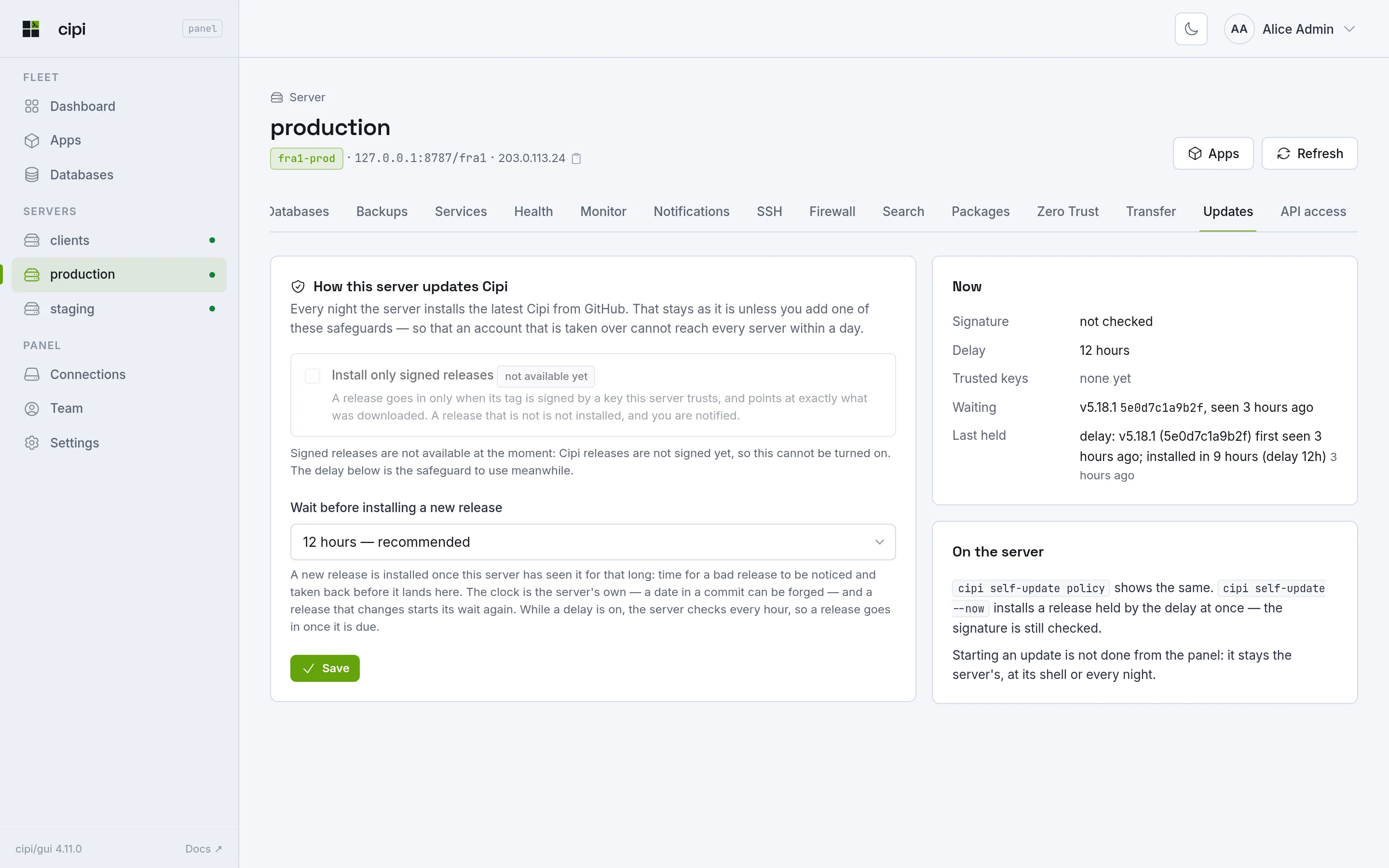
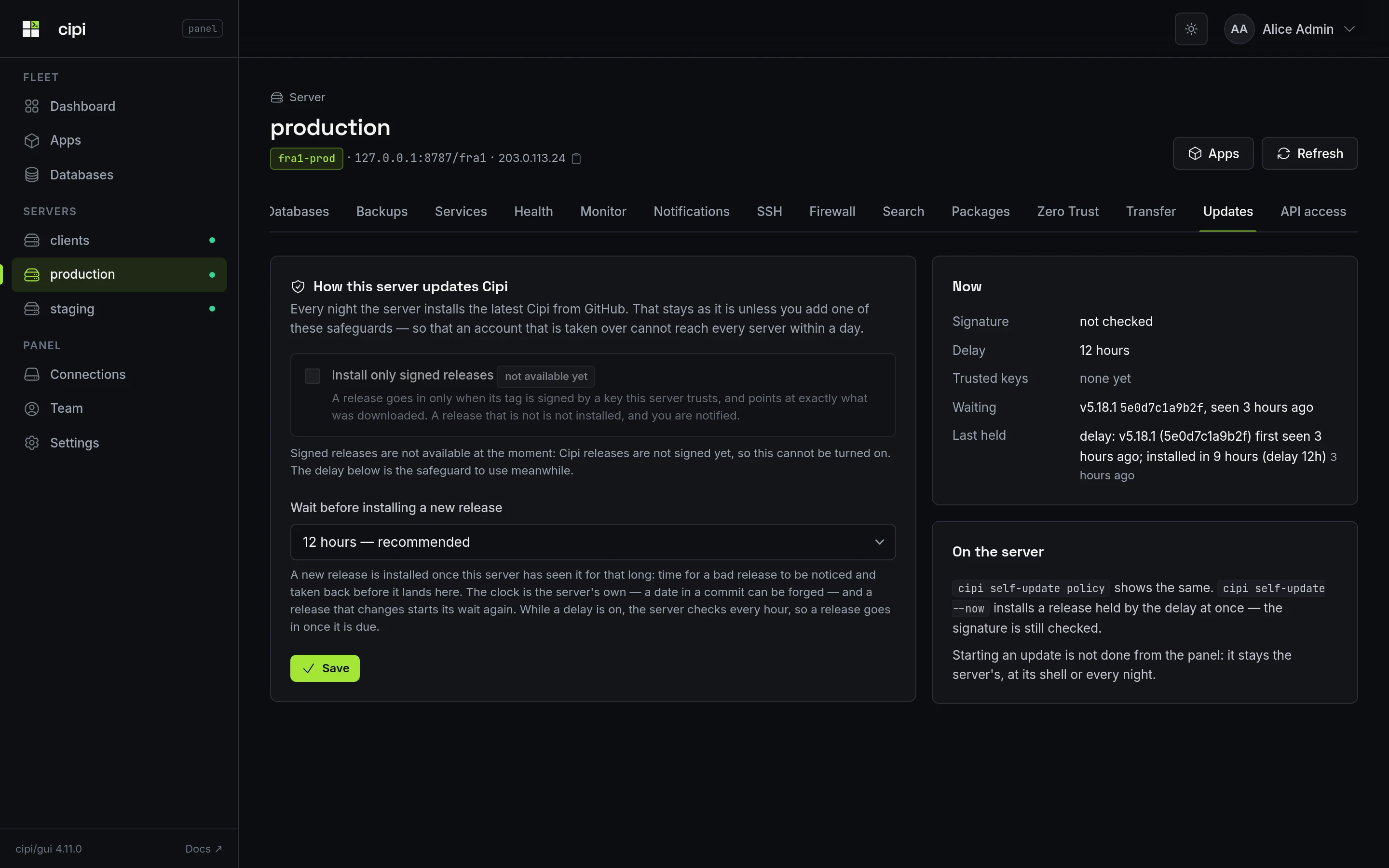
The server's Updates tab in the web panel has both switches: Only releases signed by a trusted key — the first time with the fingerprint to paste, after comparing it with this page — and the delay, from none to a week. It shows the keys the server trusts, the release waiting for its delay and why the last update wasn't installed.
| API | GET /api/self-update/policy, PUT /api/self-update/policy ({"verify": true, "delay_hours": 12, "fingerprint": "SHA256:…"}) — abilities updates-view, updates-manage (endpoints) |
| cipi-cli | cipi-cli updates, cipi-cli updates --delay 12h, cipi-cli updates --verify on --fingerprint SHA256:… |
| PHP SDK | $cipi->updates()->policy(), ->setPolicy(verify: true, delayHours: 12, fingerprint: 'SHA256:…') |
For maintainers: signing a release#
A release is signed after it is merged into latest, from a checkout of that commit, with the key whose public half is in the repository's release-signers:
git checkout latest && git pull
scripts/sign-release.sh ~/.ssh/cipi_release_signing.pub
Signed and pushed v5.19.0 (5e0d7c1)
The script makes the annotated tag v<version> signed with gpg.format=ssh, checks it against release-signers and pushes it. Keep the private key off GitHub and off any CI — a hardware key (ssh-keygen -t ed25519-sk) is best: an account that is taken over can push, but cannot sign. A new key goes into release-signers in a release signed with the old one, and its fingerprint on this page.
Questions#
| Question | Answer |
|---|---|
| Is my server less safe if I change nothing? | It is as it always was: it trusts GitHub, and installs a release the night it is published. The safeguards are for those who want a narrower trust. |
| Can I turn off the nightly update instead? | Remove its line (cipi self-update, at 03:50) from root's crontab and update by hand — but then security fixes wait for you. A delay is usually the better trade. |
| An update was refused: what now? | cipi self-update policy says why (Last held). A release the maintainers haven't signed yet is installed once its tag is signed. A signature that doesn't match is worth an issue on GitHub. |
| Does the delay hold back a fix I need now? | cipi self-update --now installs it at once — after the signature check, if it is on. |